
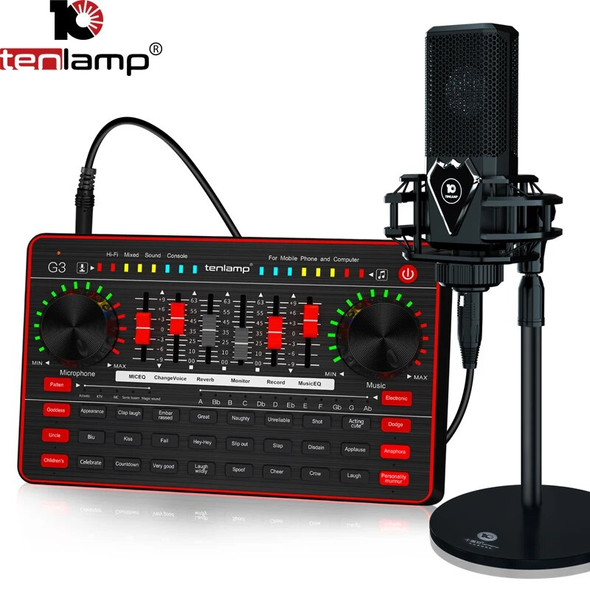
Tenlamp Professional G5 Sound Card Audio Podcast Interface Usb Microphone Voice Changer For Recording Singing Streaming And PS4



Description

Introduction:
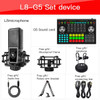
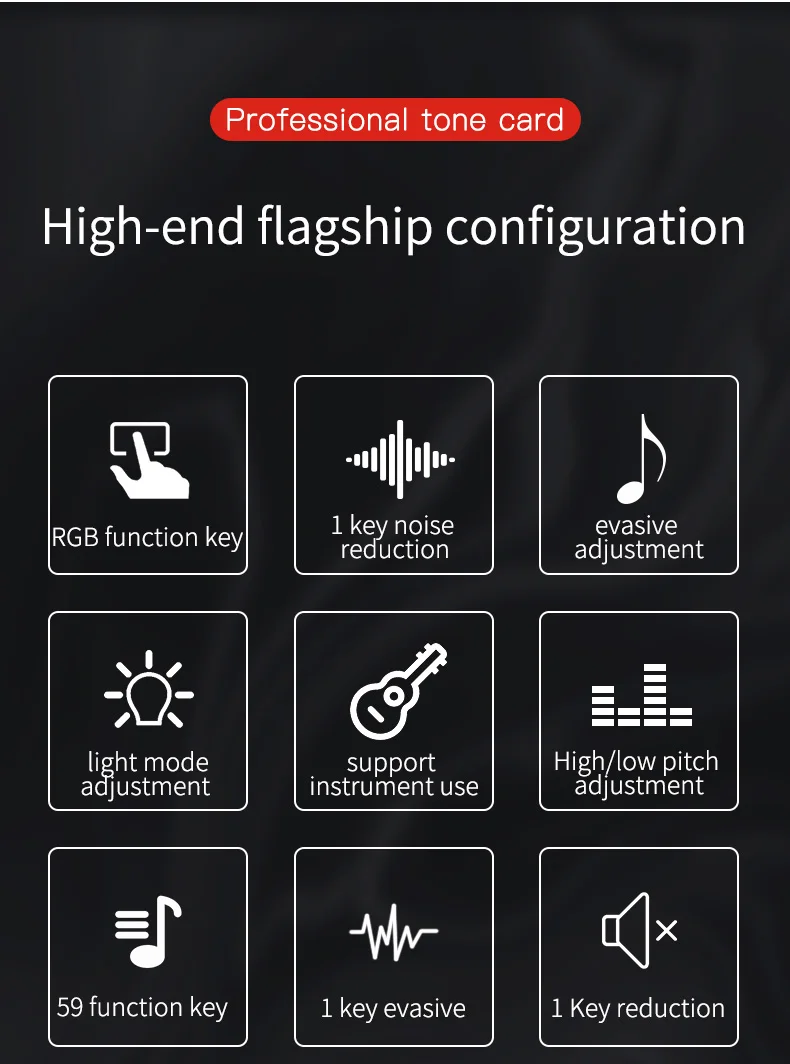
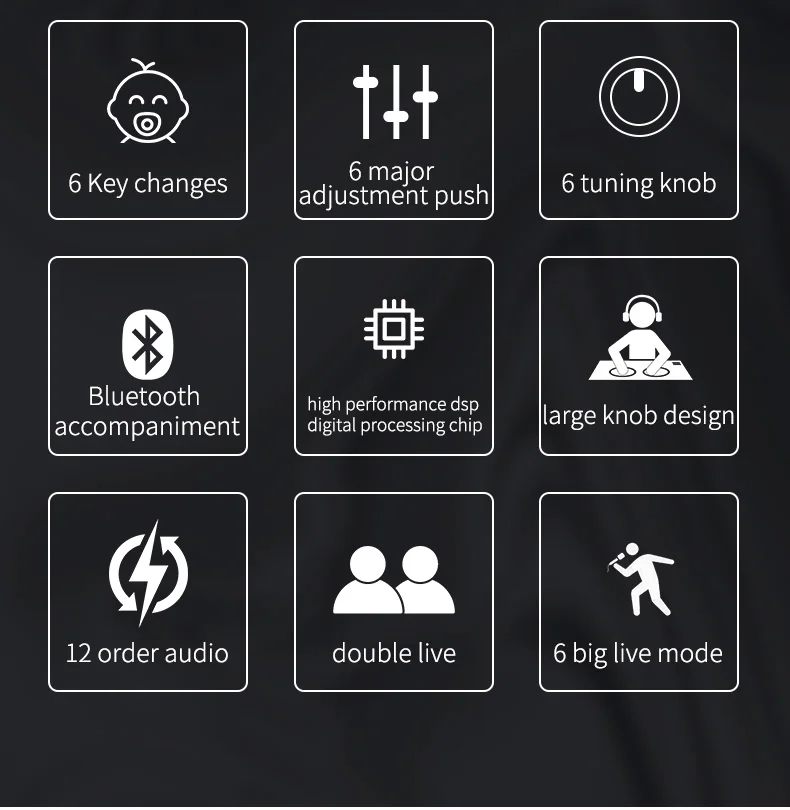
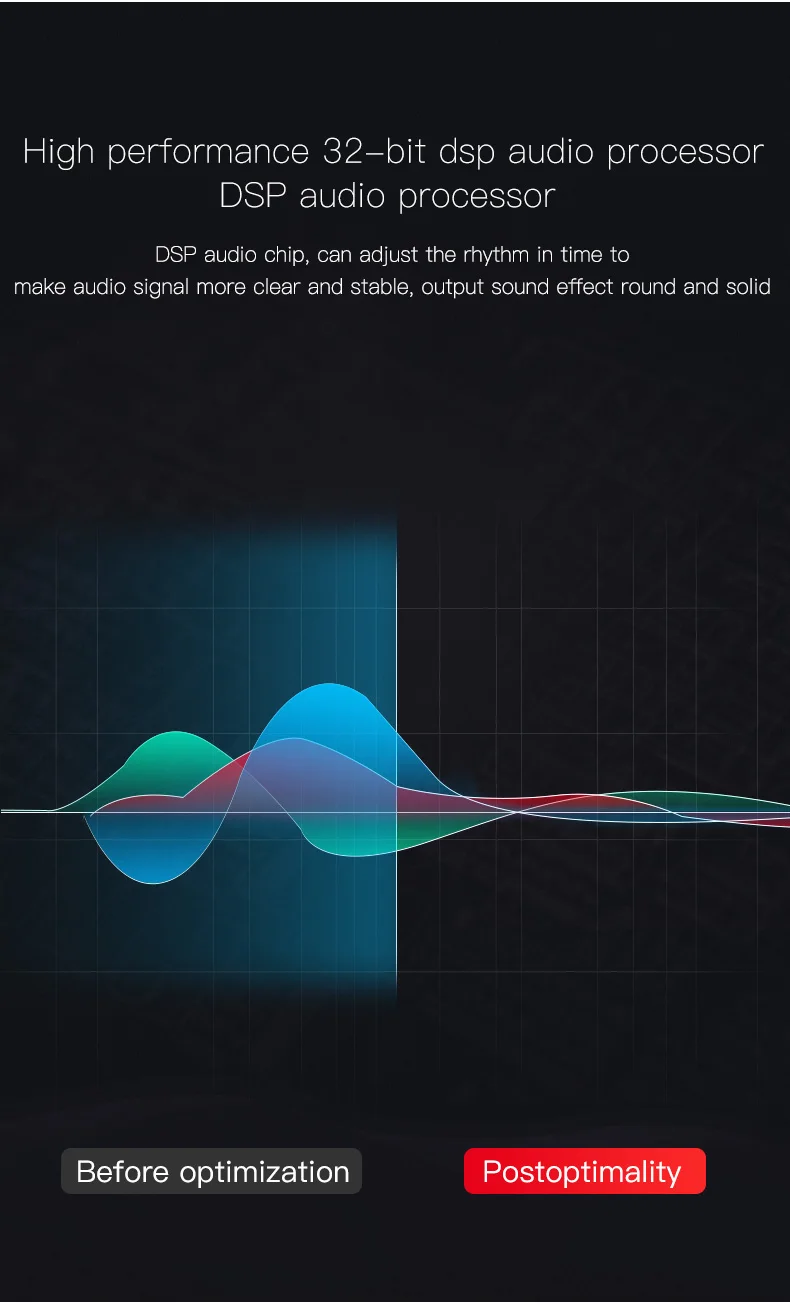
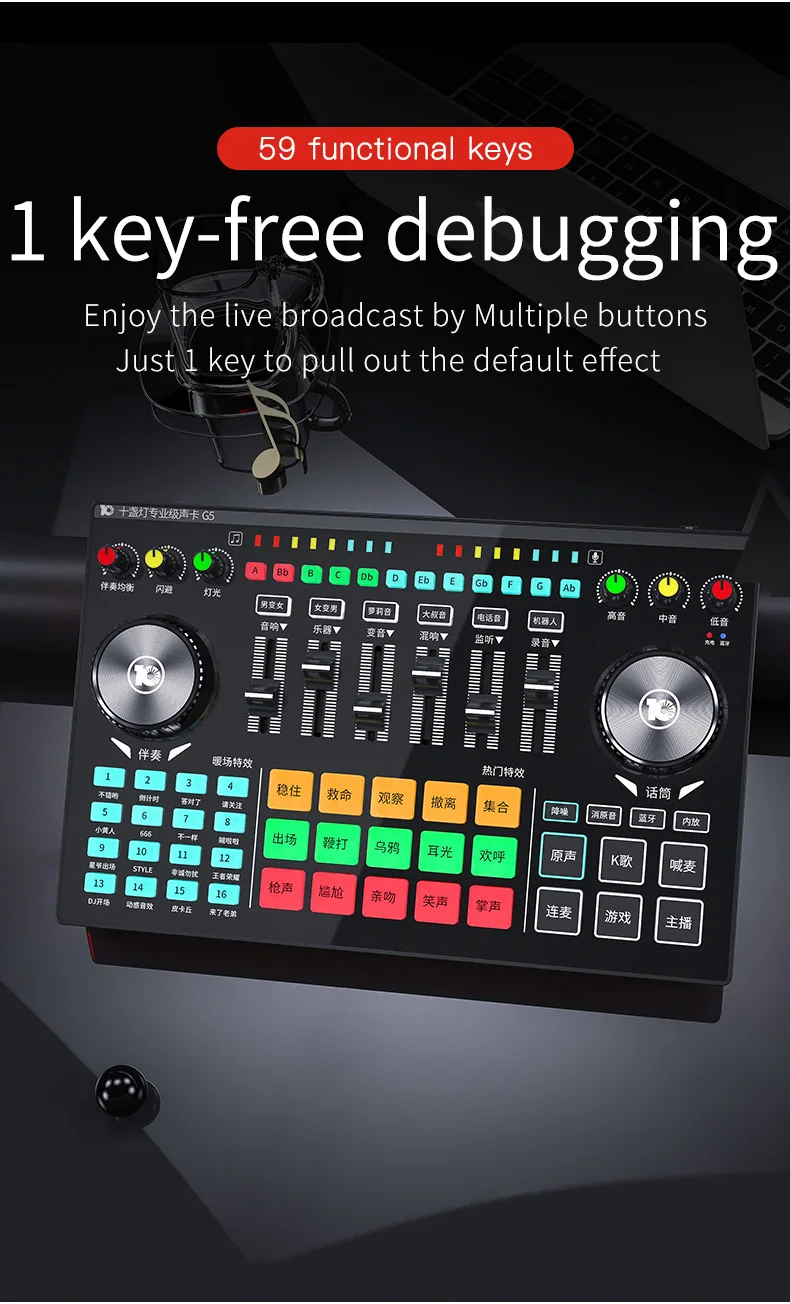
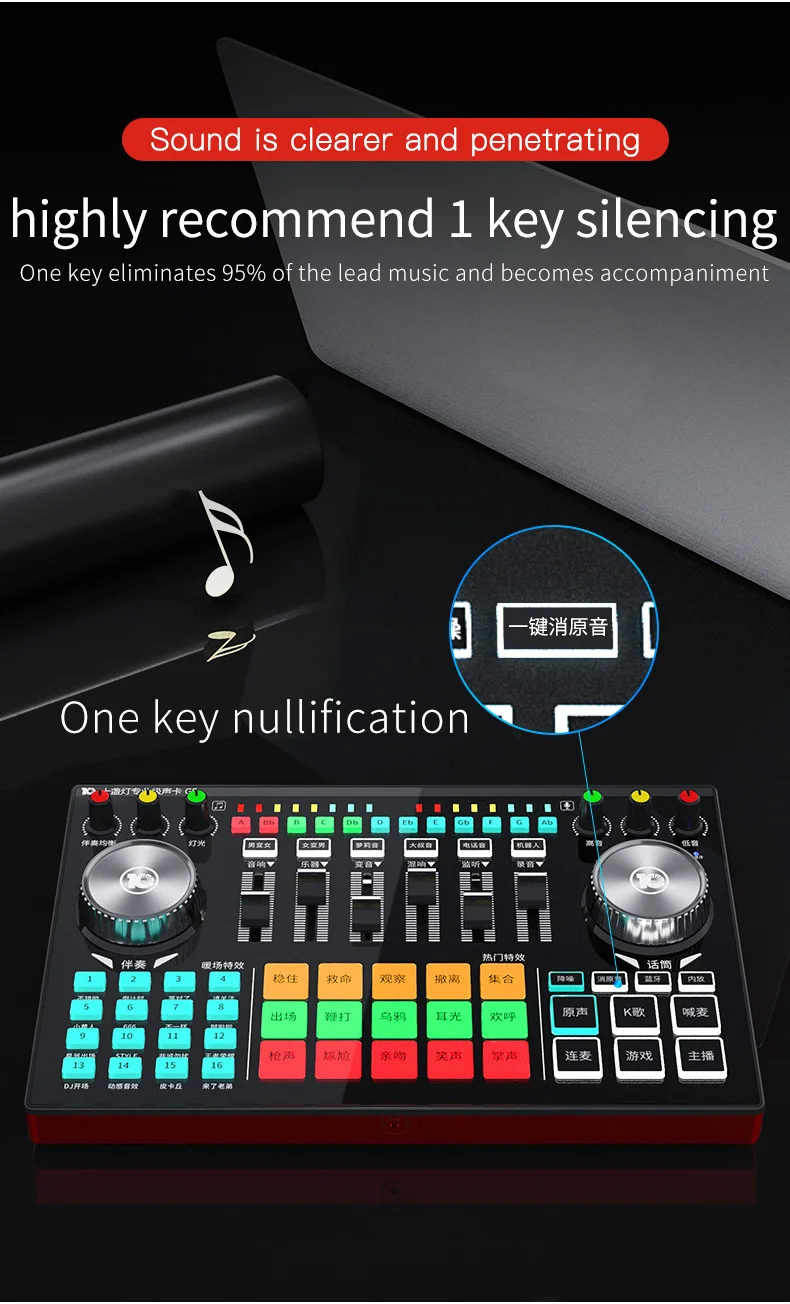
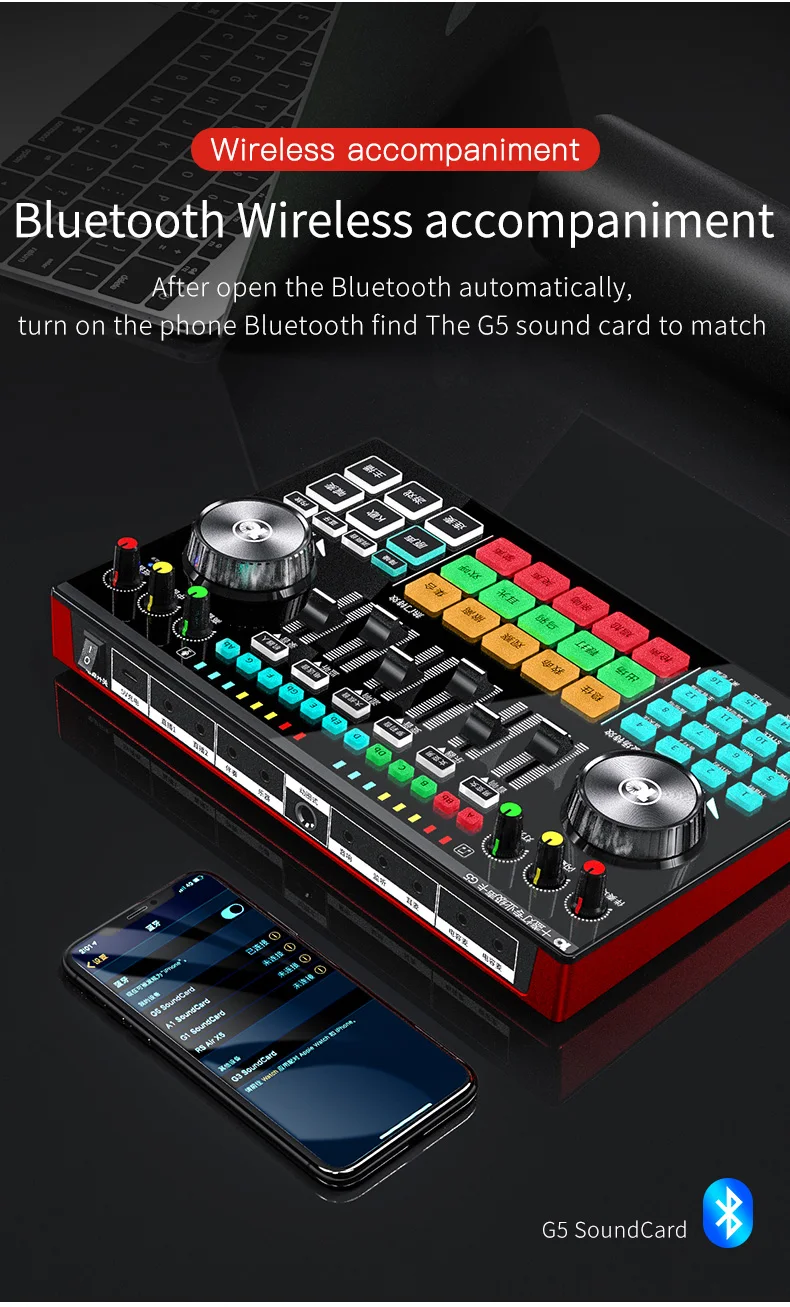
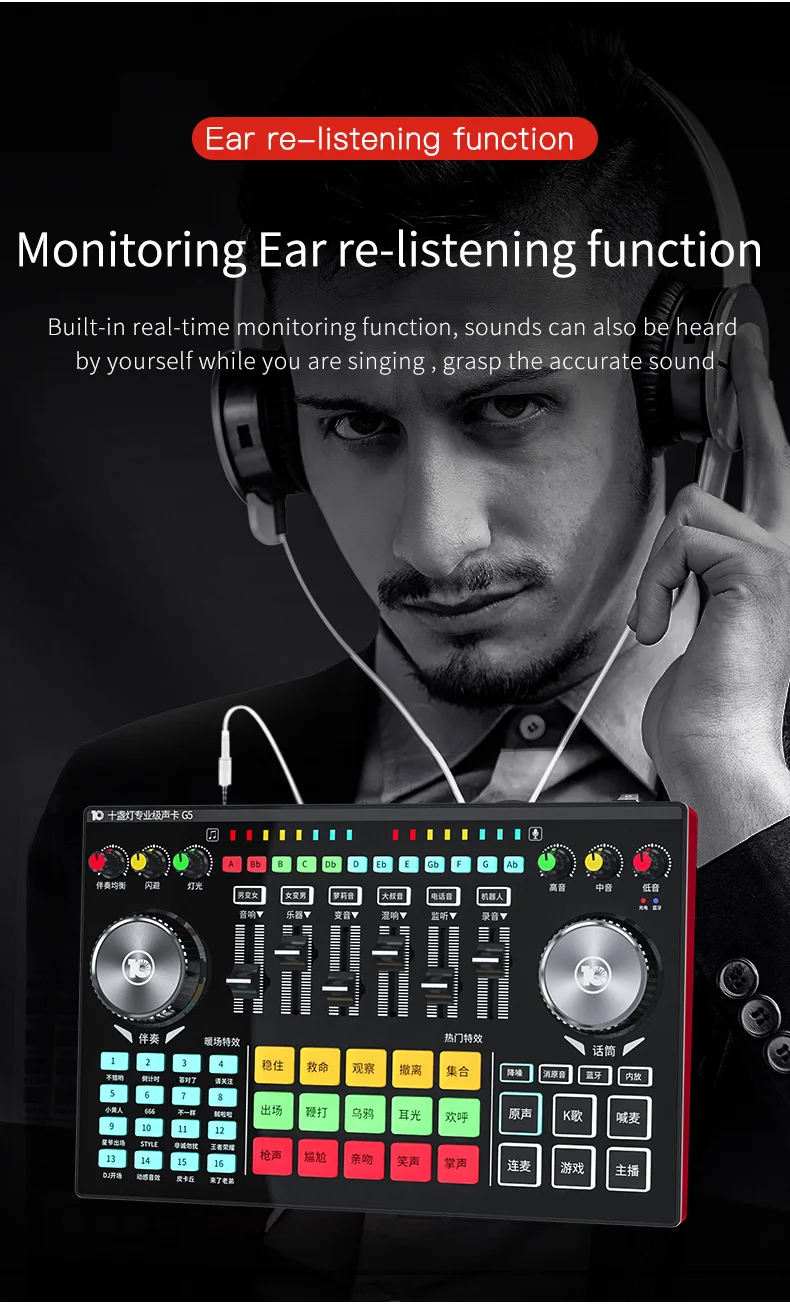
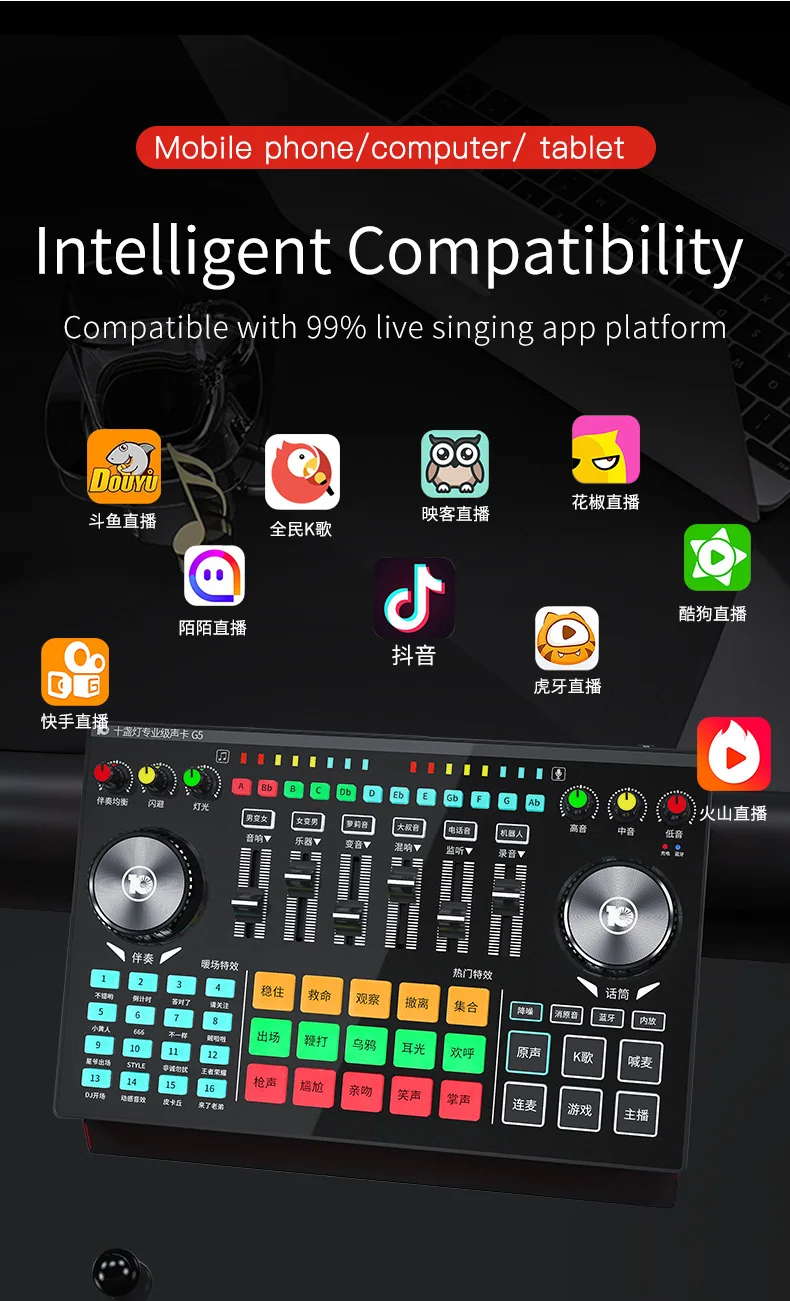
This product is a professional recording and live digital mixer, built-in high-speed digital DSP reverberation processor, support dual mobile phone live broadcast, USB high-definition digital recording, support Bluetooth wireless accompaniment, provide a variety of microphone interface access; A variety of sound ,12 professional tone, preset popular live atmosphere special effects, whether singing or hosting are easy; This product is widely used in professional live studio, recording studio, personal entertainment and other scenes, with this professional DSP digital decoding products, in voice chat, host shouting wheat, K song recording, music listening and other applications The choice of sound field effect makes people's singing more realistic and interesting, professional.
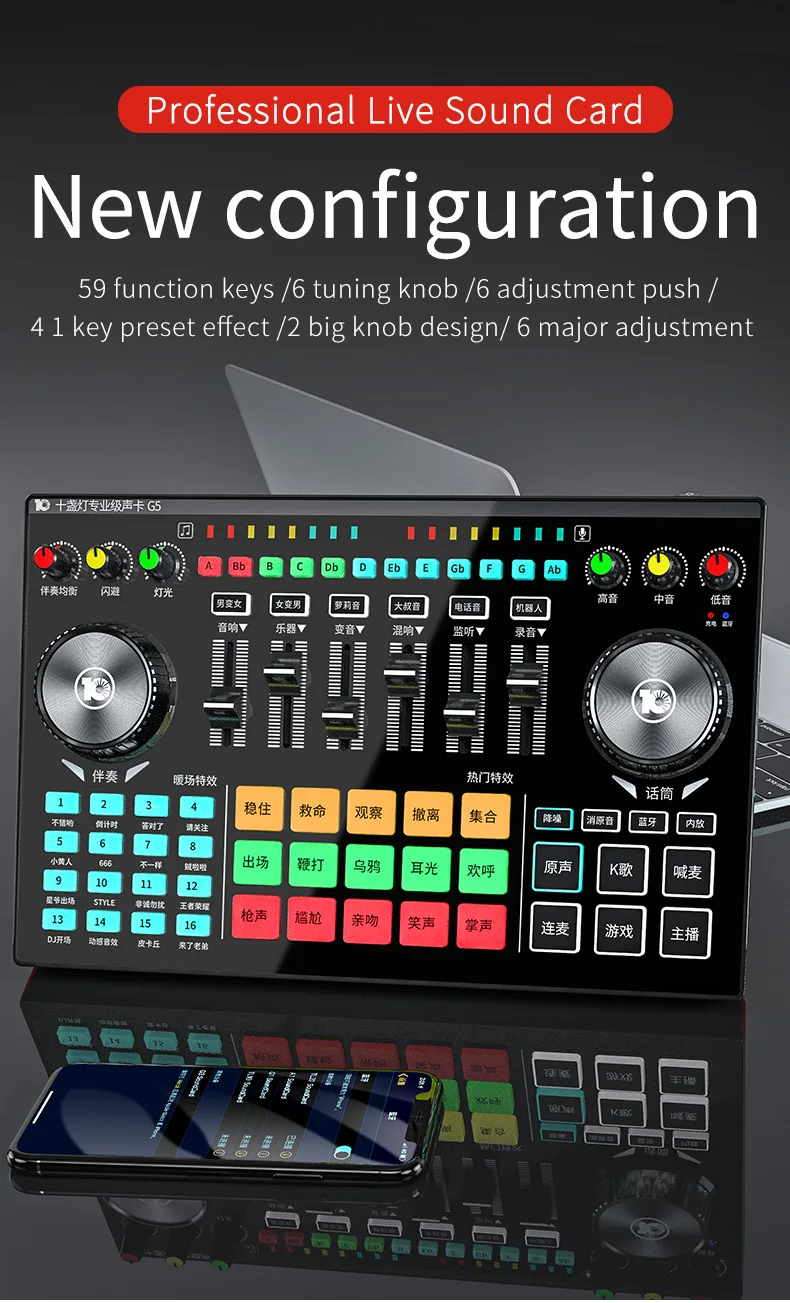
Mainframe panel definition description :
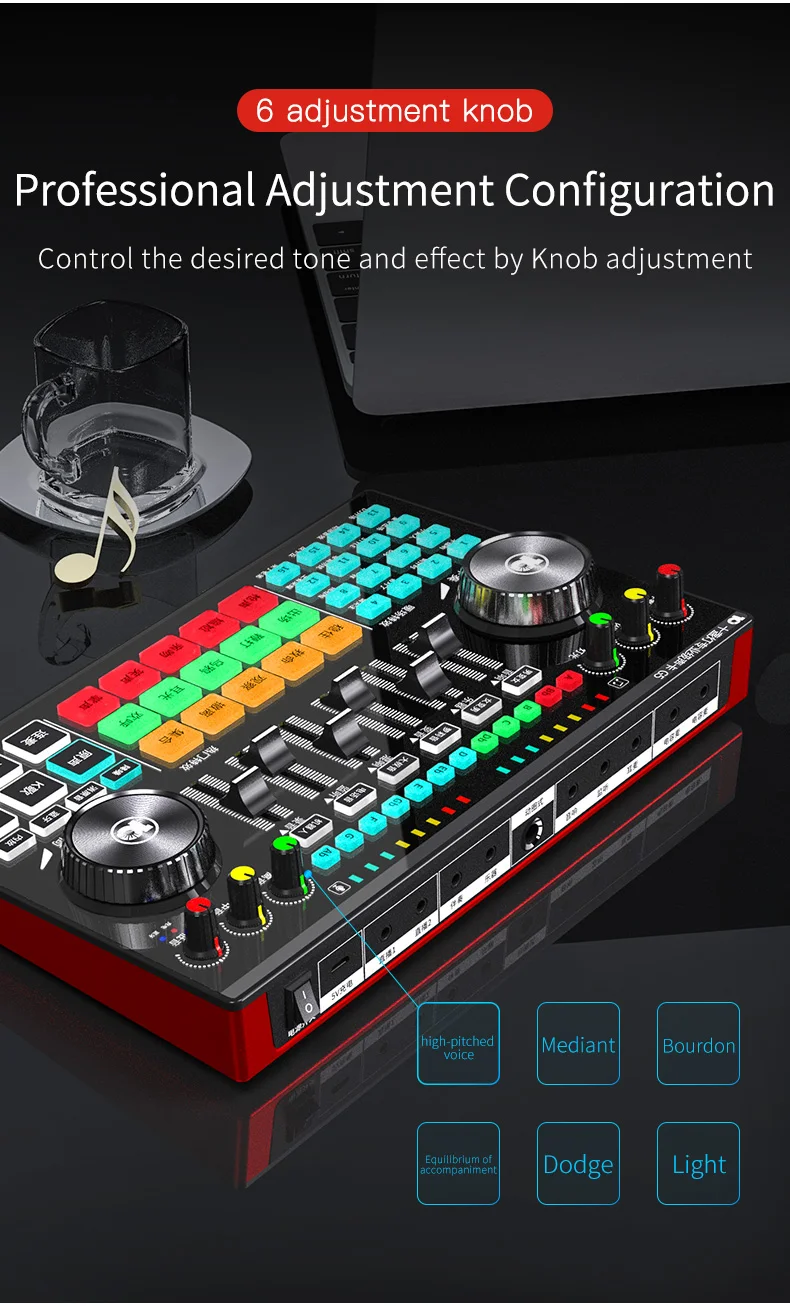
1 treble knob: adjust microphone / headset voice treble;
2 bass knob: adjust microphone/ headset voice bass;
3 Bluetooth status light: Bluetooth flashes while waiting to connect, Long light after connection;
4.Median knob: adjust the microphone / headset in the sound;
5 Battery light: Red when inserted into USB charging line at work, Green light when full;
6 microphone knob: adjust the volume of microphone / headset input;
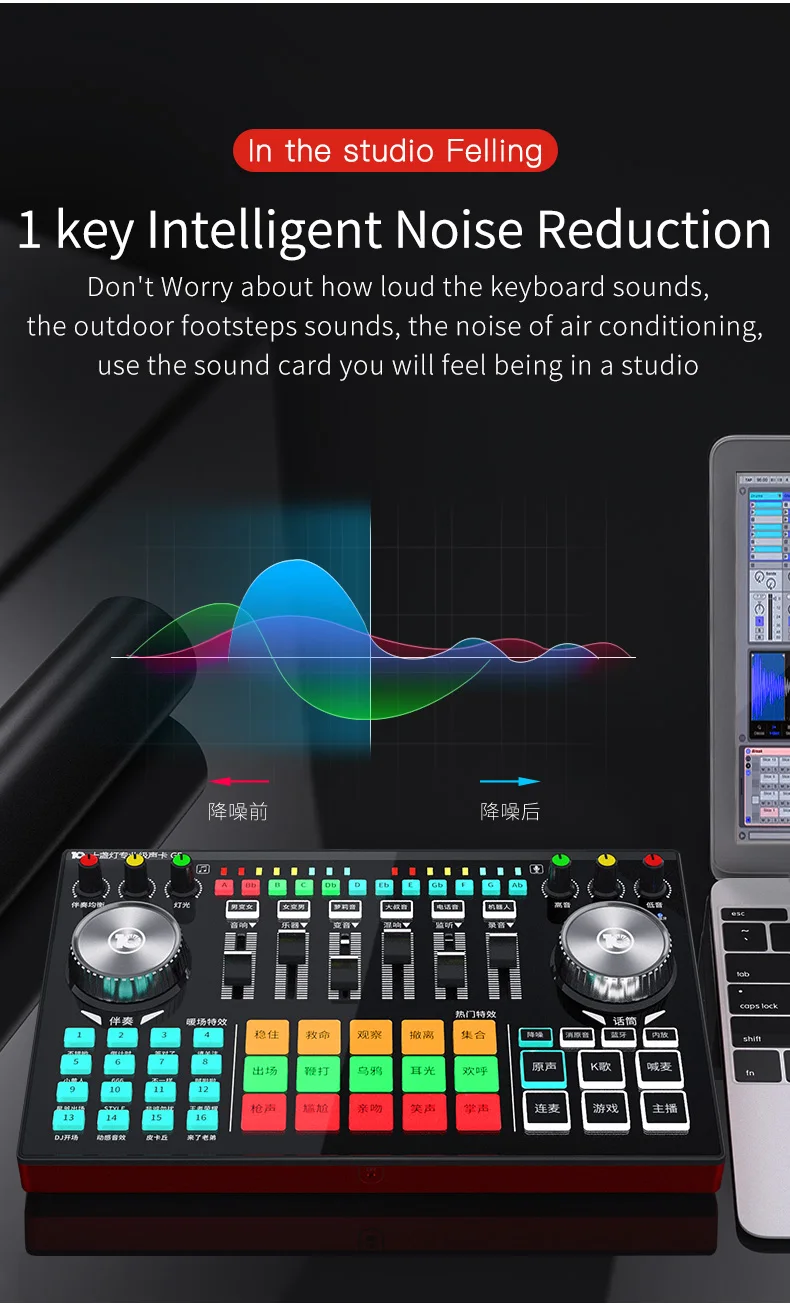
7.Noise reduction: noise reduction on/off microphone, Control microphone pickup range;
8 mute: key control Make accompaniment songs to eliminate the original sound;
9.Bluetooth: Switch on/off sound card Bluetooth;
10. Internal release; Switch on / off internal release;
11.sound keys: switch to sound mode;
12.Key: switch to call wheat mode
13.K song key: switch to K song mode;
14.Anchor key: switch to anchor mode;
15.game keys: switch to game mode;
16.Lianmai key: switch to Lianmai mode;
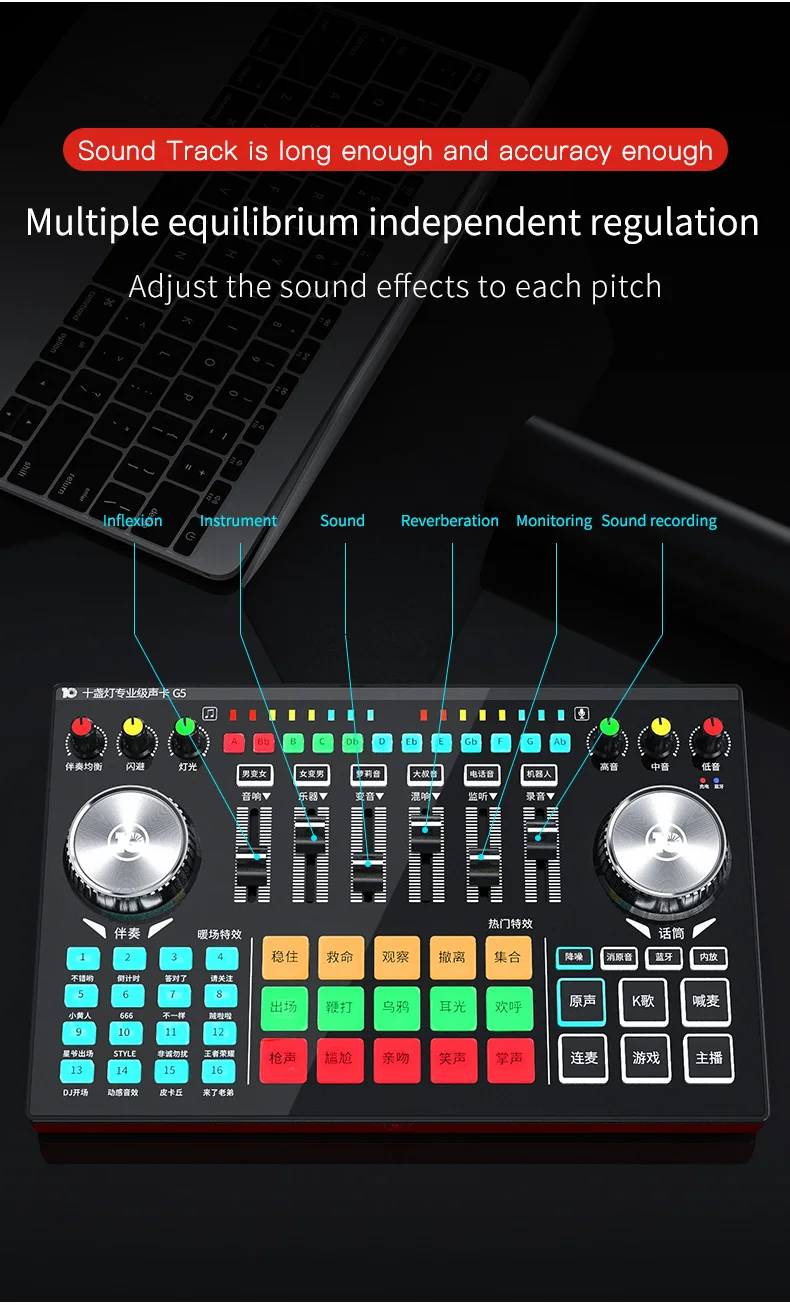
17.Recording push: adjust the output volume of live / recording;
18.Monitor push: adjust earphone/ headset monitor volume;
19.Reverb : Adjust the reverberation. Reverberation from minimum to maximum in acoustic mode, Other modes of fine-tuning;
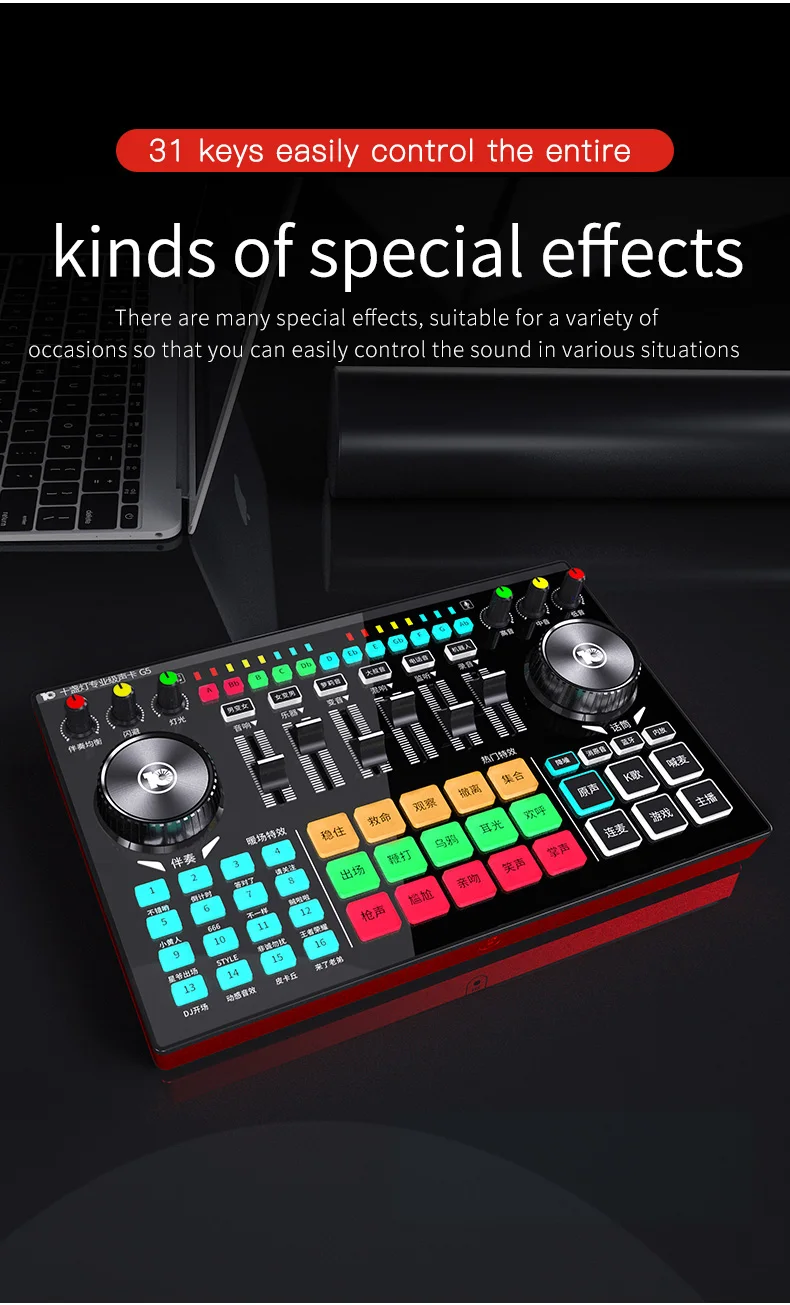
20.Hot special effects key :15 current hot special effects; Tweets
21.Fine-tuning "male female "," female male "," Lori Yin "," Uncle Yin "4 major tone mode;
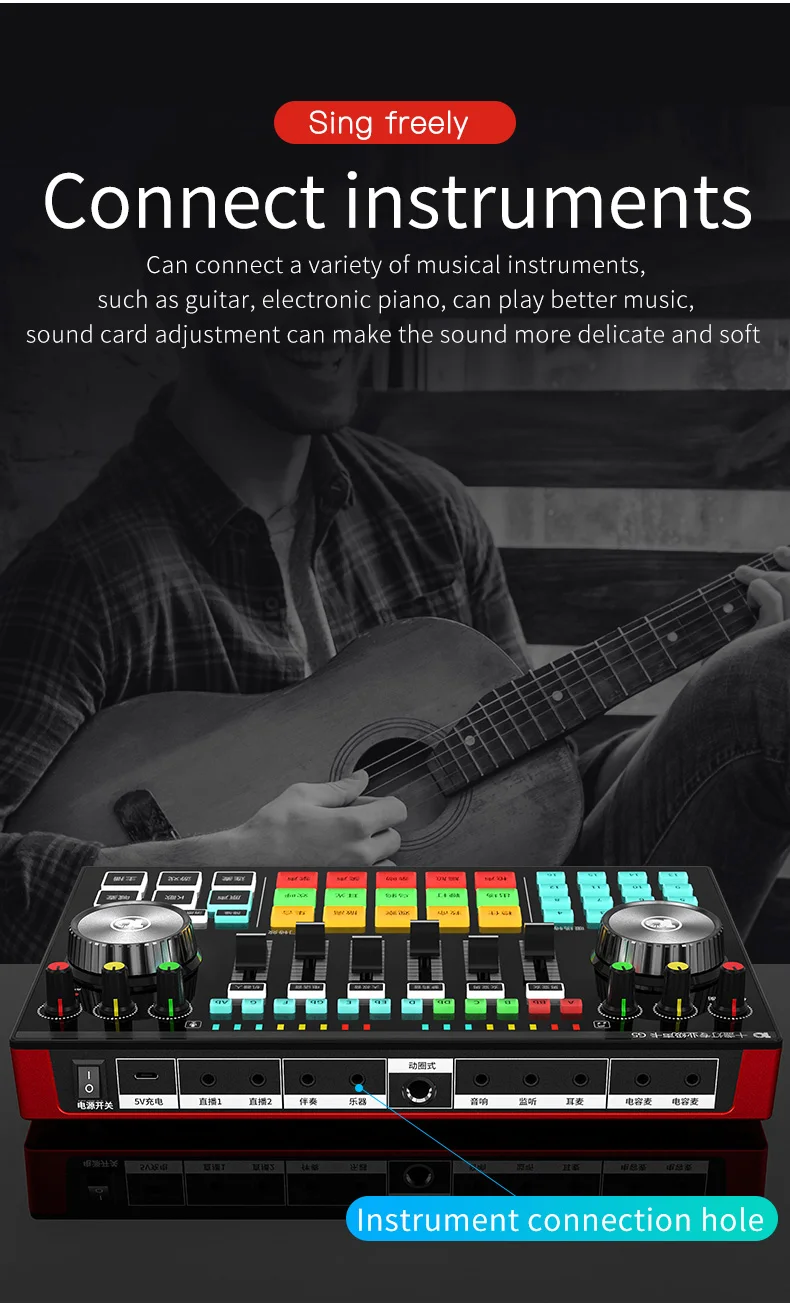
22.Instrument Push: Adjust the input volume of the instrument;
23.Audio push: Adjust the volume of audio output;
24.Warm field effects :16 popular warm field effects;
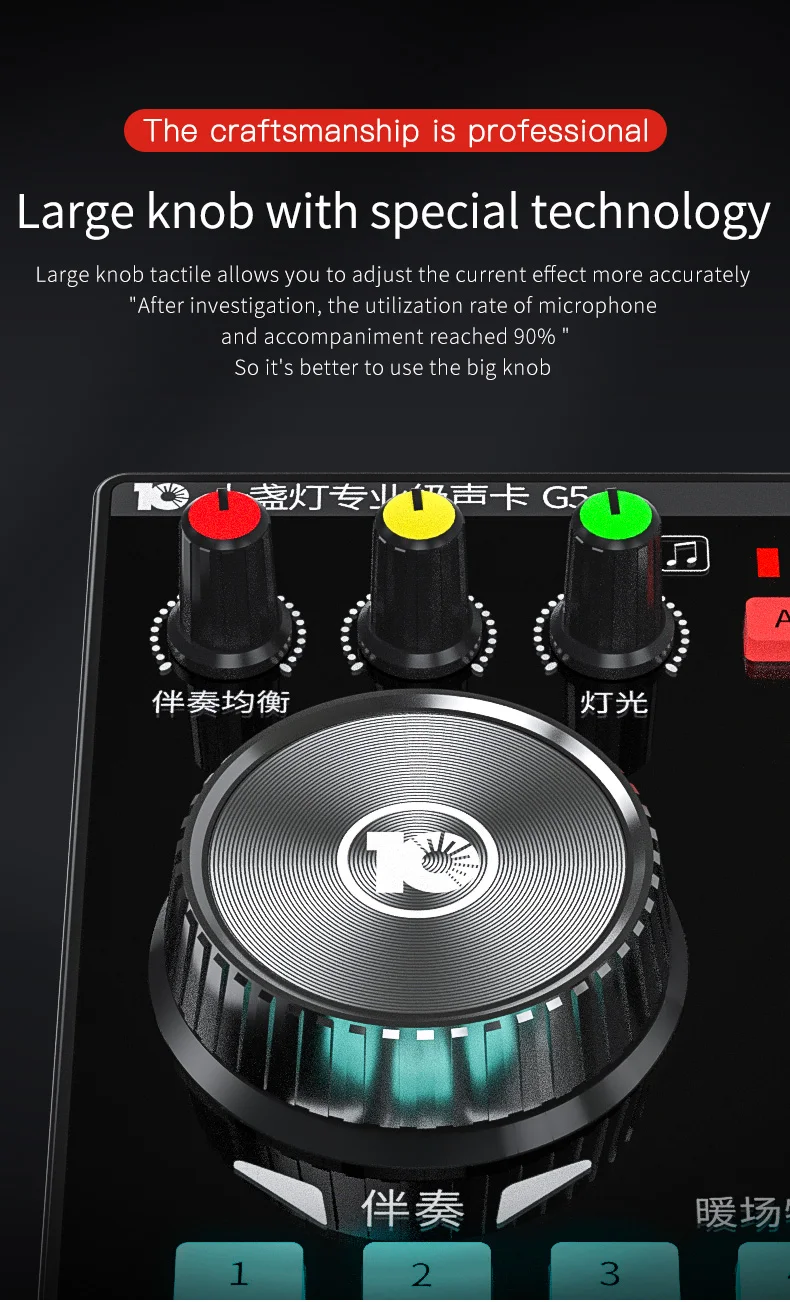
25. accompaniment knob: adjust the input volume of accompaniment music;
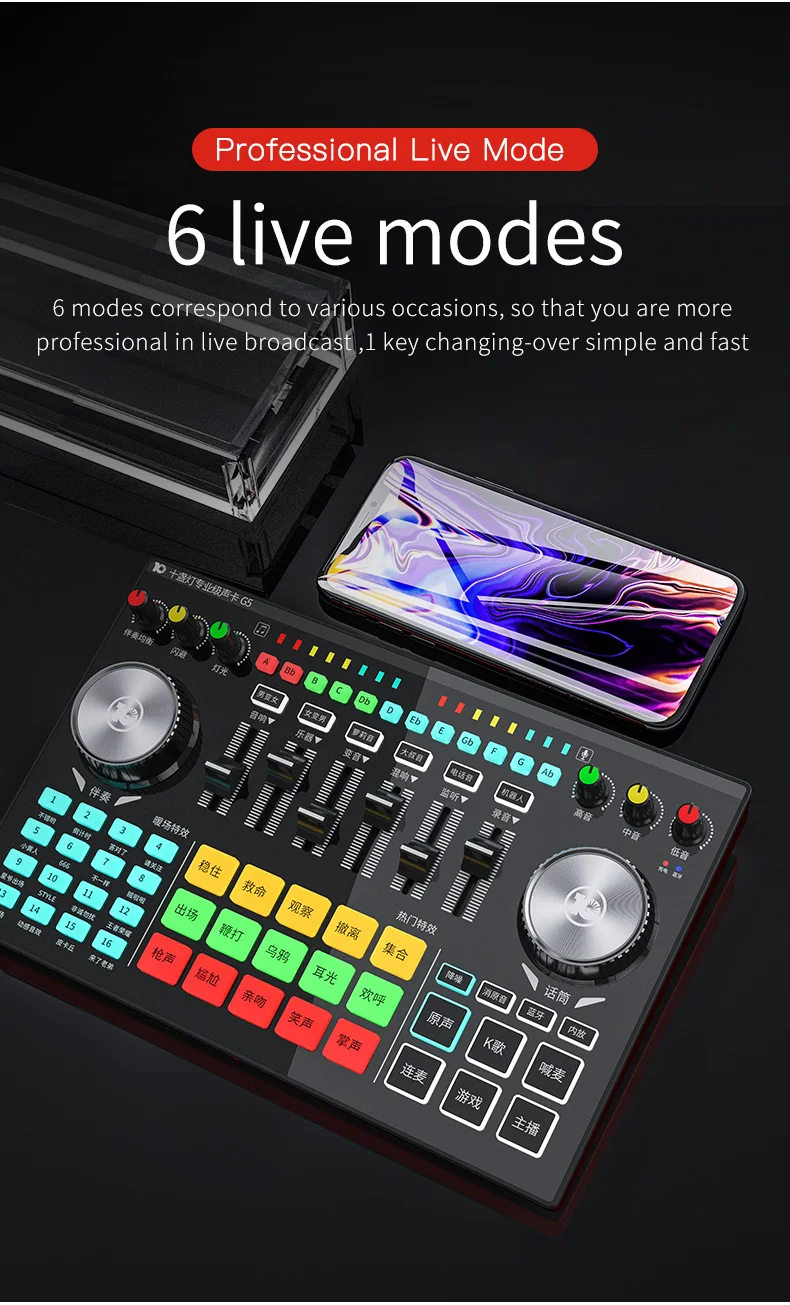
26. Switching keys: Switching 6 interesting tuning effects;
27.accompaniment balance knob: adjust the high and low tone of accompaniment music;
28. Avoiding knob: Adjust the size of evasive effect;
29.Light knobs: Turn off/adjust the intensity of all lights on the panel;
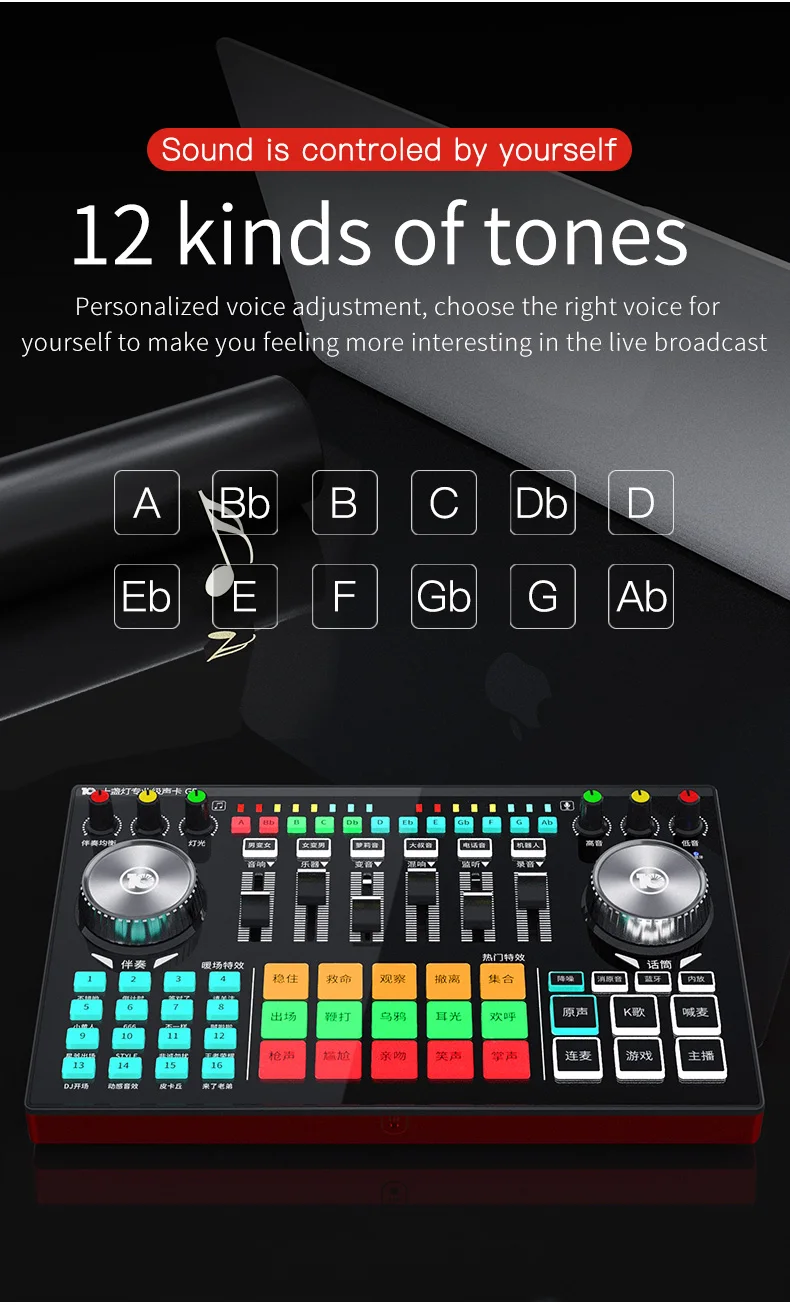
30.tone keys :12 tone keys;
31.microphone frequency indicator: real-time microphone volume display;
32.Accompaniment electric frequency indicator light: real-time accompaniment music volume display;
Quantification of sampling rate:44.1KHz/16Bit
Bluetooth Version:V5.0, compatible Bluetooth 4.2BR
Bluetooth Receiver: <12 m (no obstacles)
SNR S/N:>102dB
Frequency response:50Hz~18KHz
Output power: 10 mW Load 32Ω( Capacitive Microphone)
THD harmonic distortion: <0.3%@1 kHz (Live)
Headset interface:American Standard Four Section 3.5 mm
Microphone interface:Standard 3.5mm
Live broadcast interface:American Standard Four Section 3.5 mm
Accompaniment interface:Standard 3.5mm
Headphone interface:Standard 3.5mm
USB interface:5 foot MicroUSB type
Product Packing List:
Sound card on mixer*1
3.5 mm to 3.5 mm four-segment audio line*3
USBA-MicroUSB data charging line*1
Sound Card Operation Manual*1
Common troubleshooting:
Related Products
Related Products
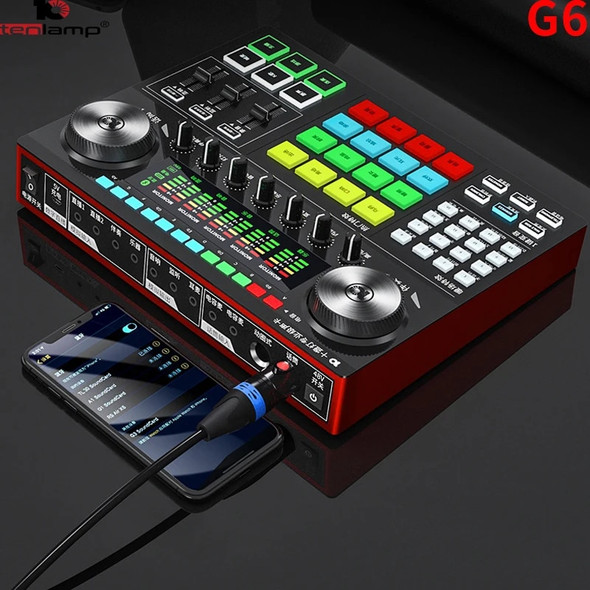
Tenlamp G6 Sound Card USB Condenser Wired Single Microphone Professional Podcast Microphone for Streaming Gaming YouTube Singing


Tenlamp T2 USB Single Microphone G3 Sound Card Professional Podcast Condenser Microphone For Gaming Singing PS4 Mobile Computer

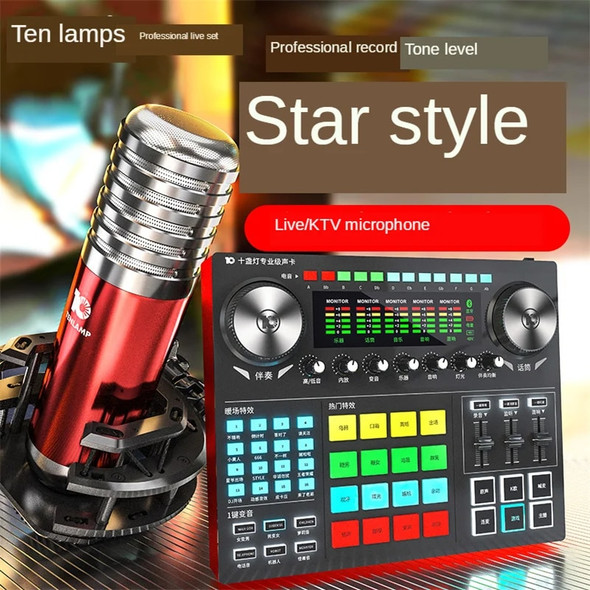
2022 Tenlamp Sound Card USB Condenser Wired Single Micr Professional Podcast PC Microphone for Streaming Gaming YouTube Singing


