
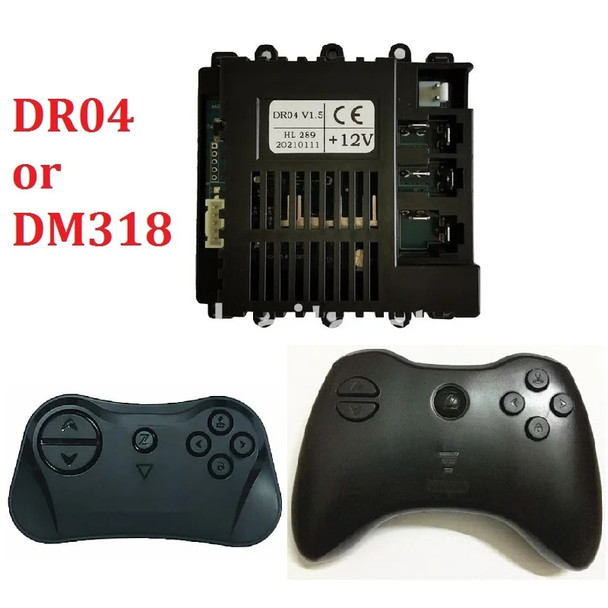
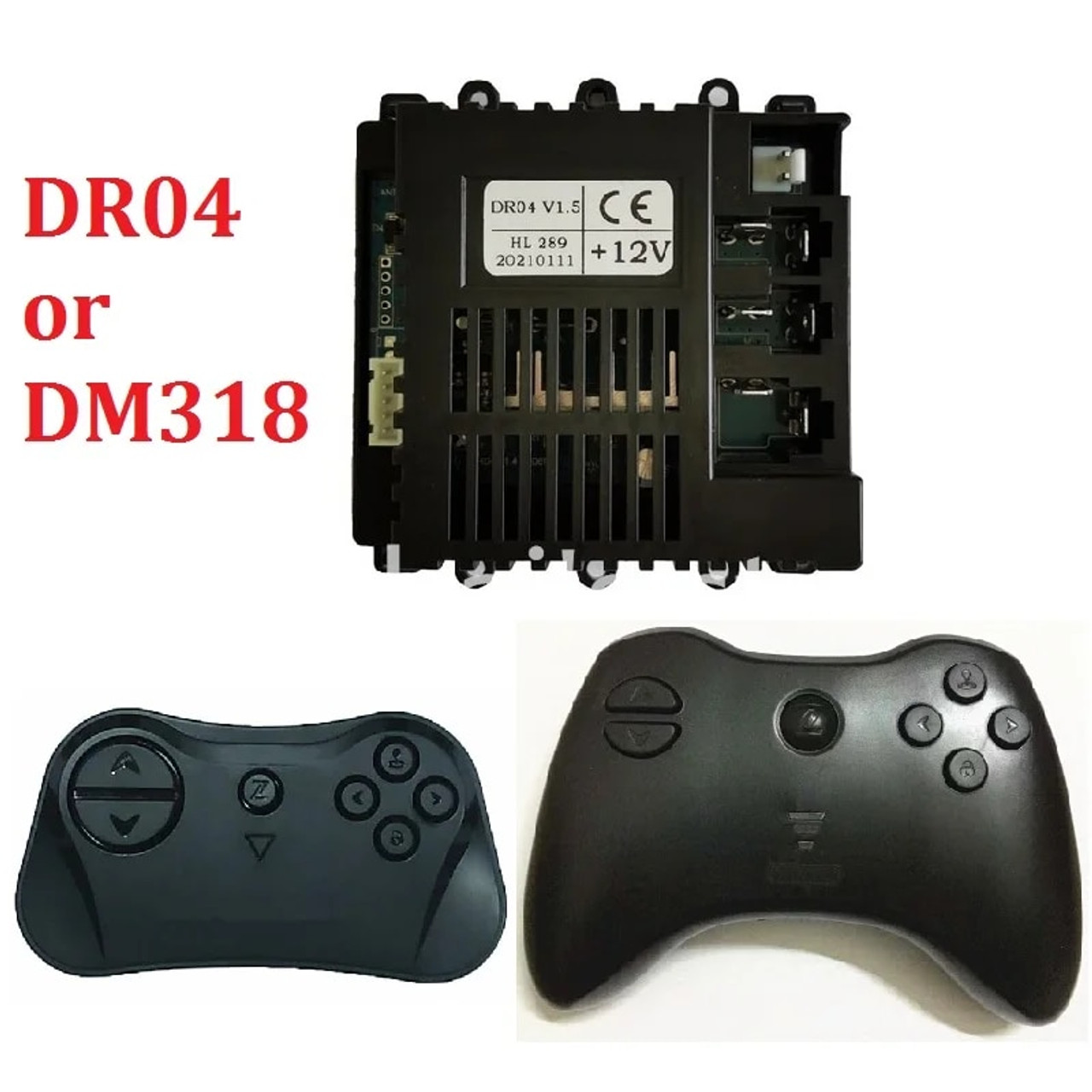
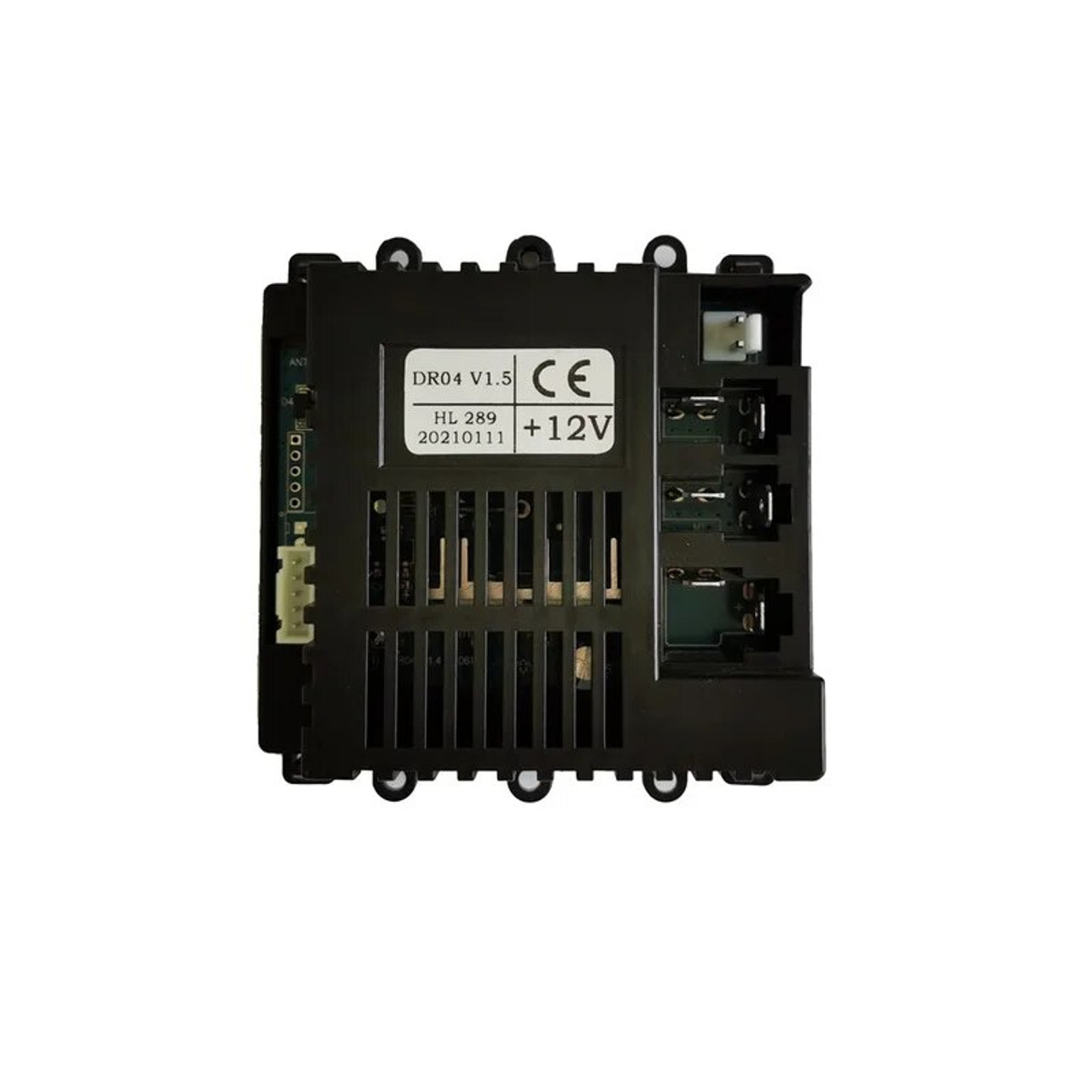
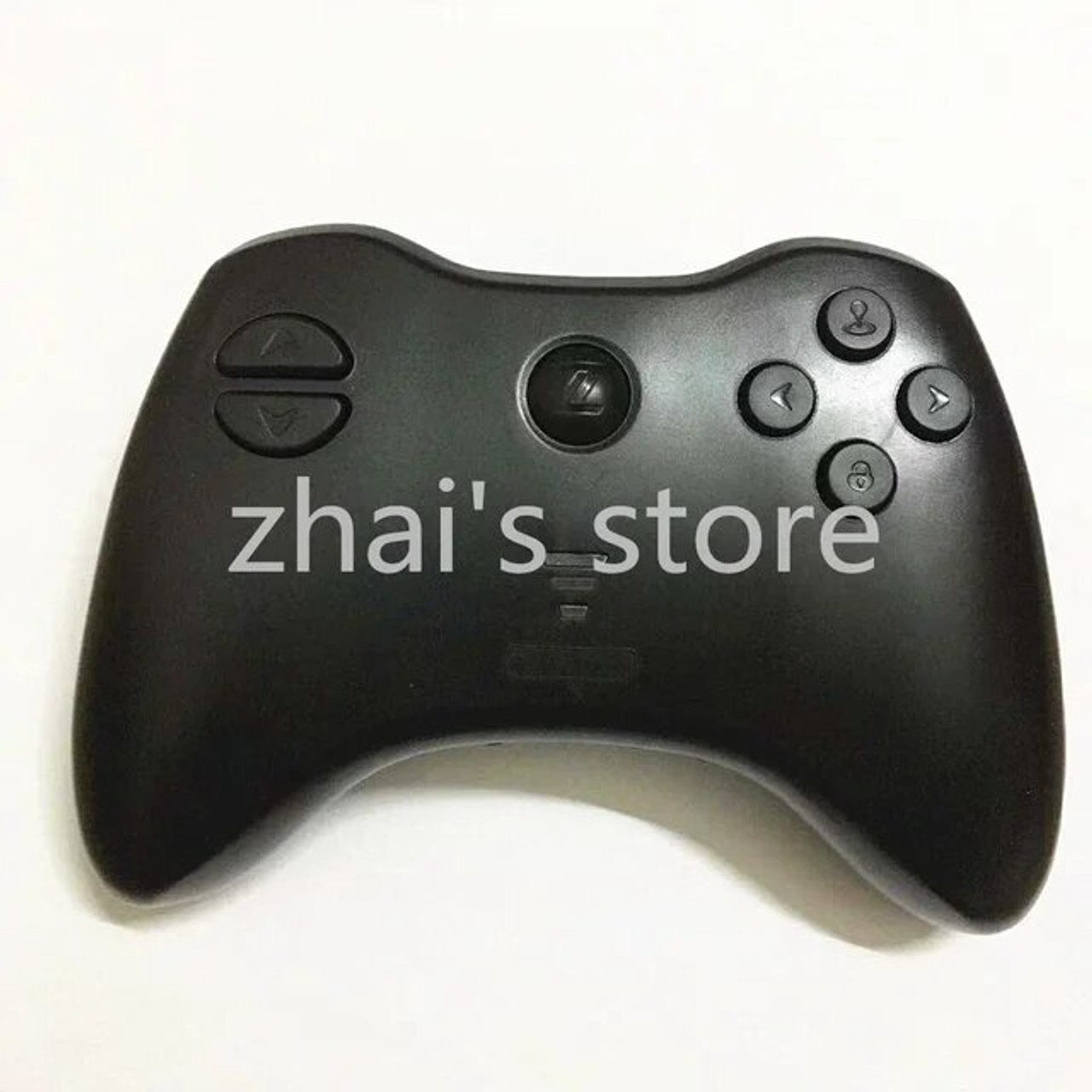
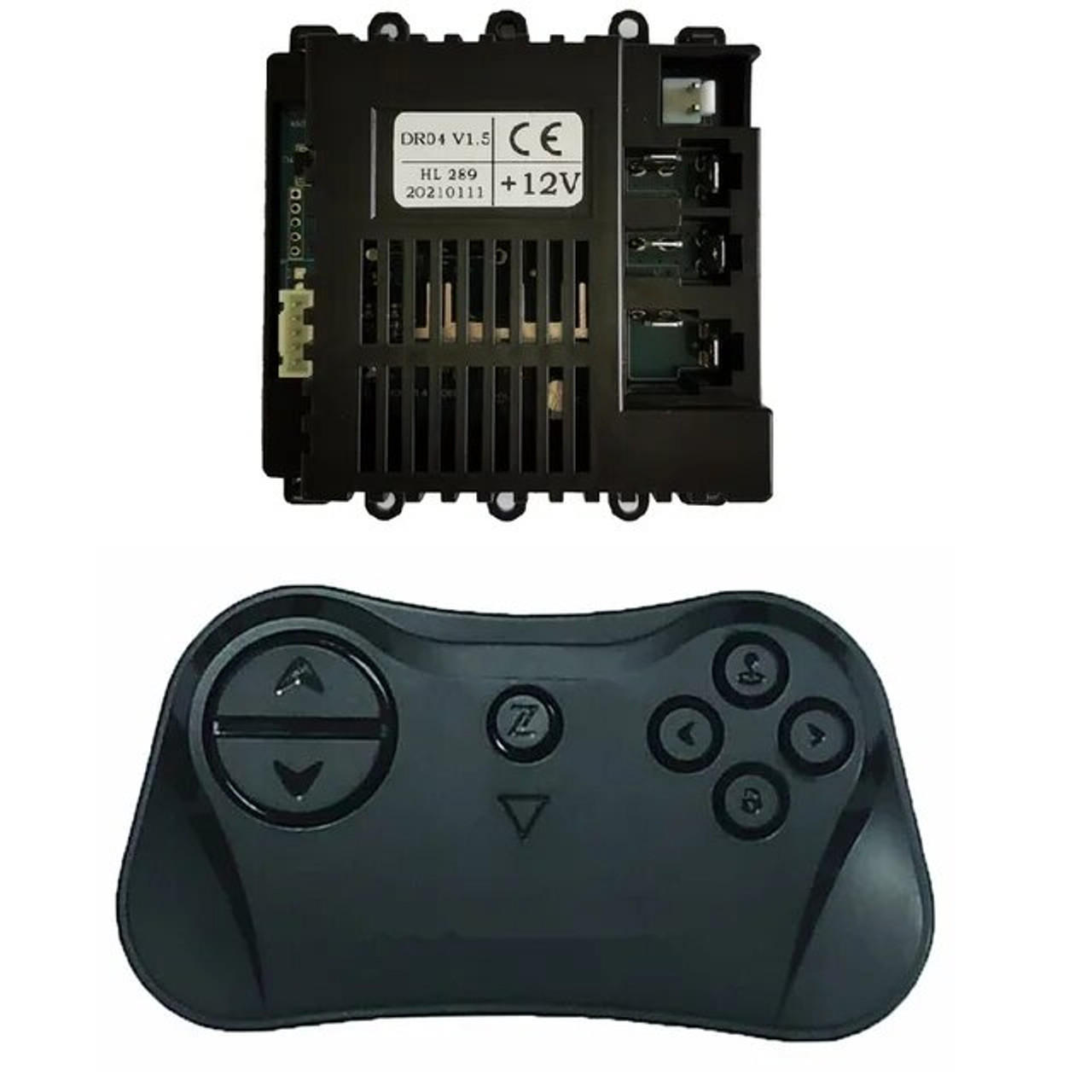
Holicy ZM-DR04 or DM318 Remote Controller Bluetooth Transmitter for Kid's Toy Vehicle, Children Electric Car RC 2.4G
(No reviews yet)
Write a Review




Frequently bought together:
Description
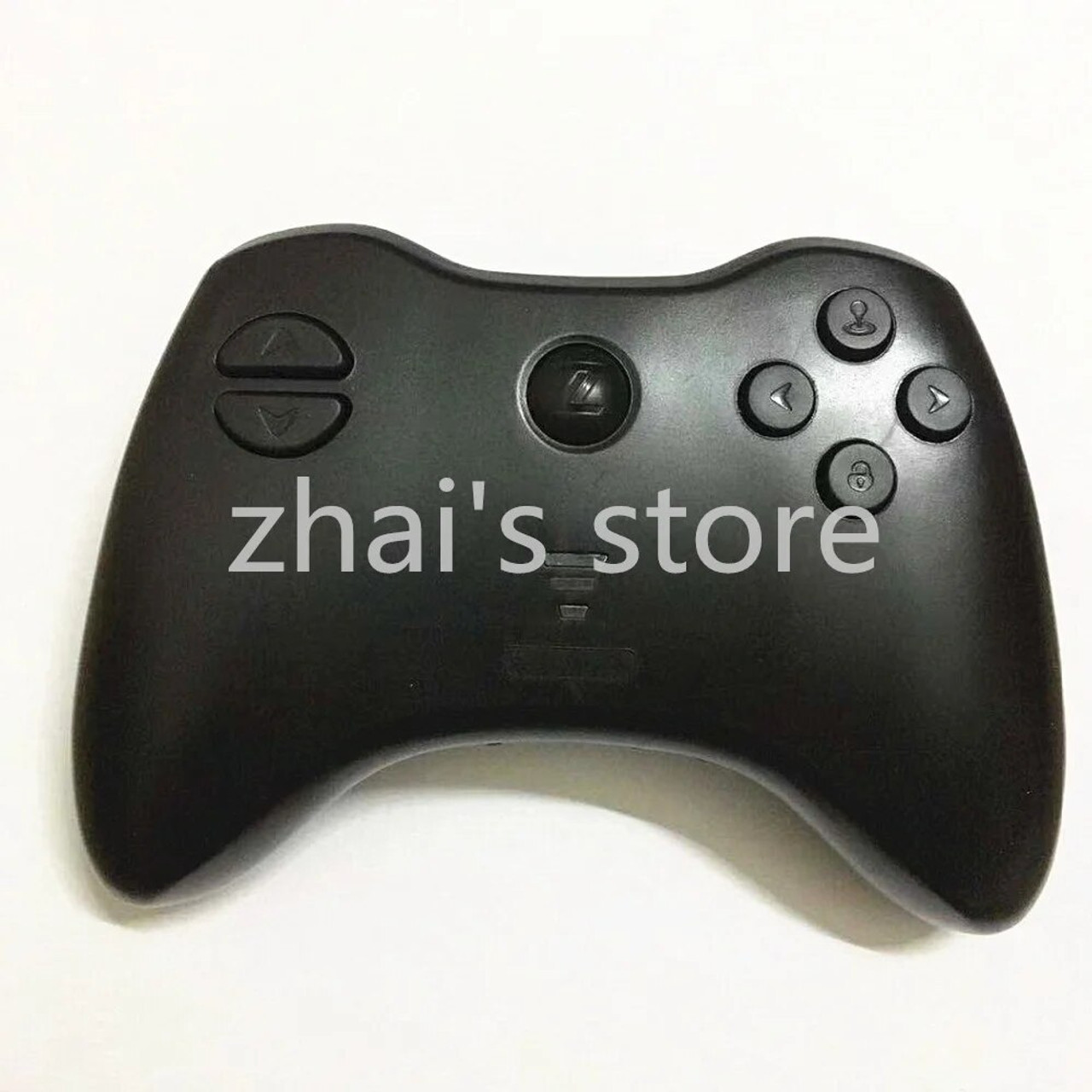
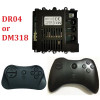
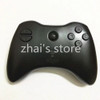
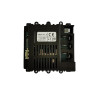
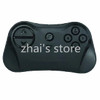
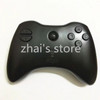
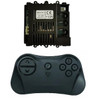
ZM-DR04 Remote Controller for Kid's Toy Car, Bluetooth RC Transmitter , Children Electric Car RC 2.4G
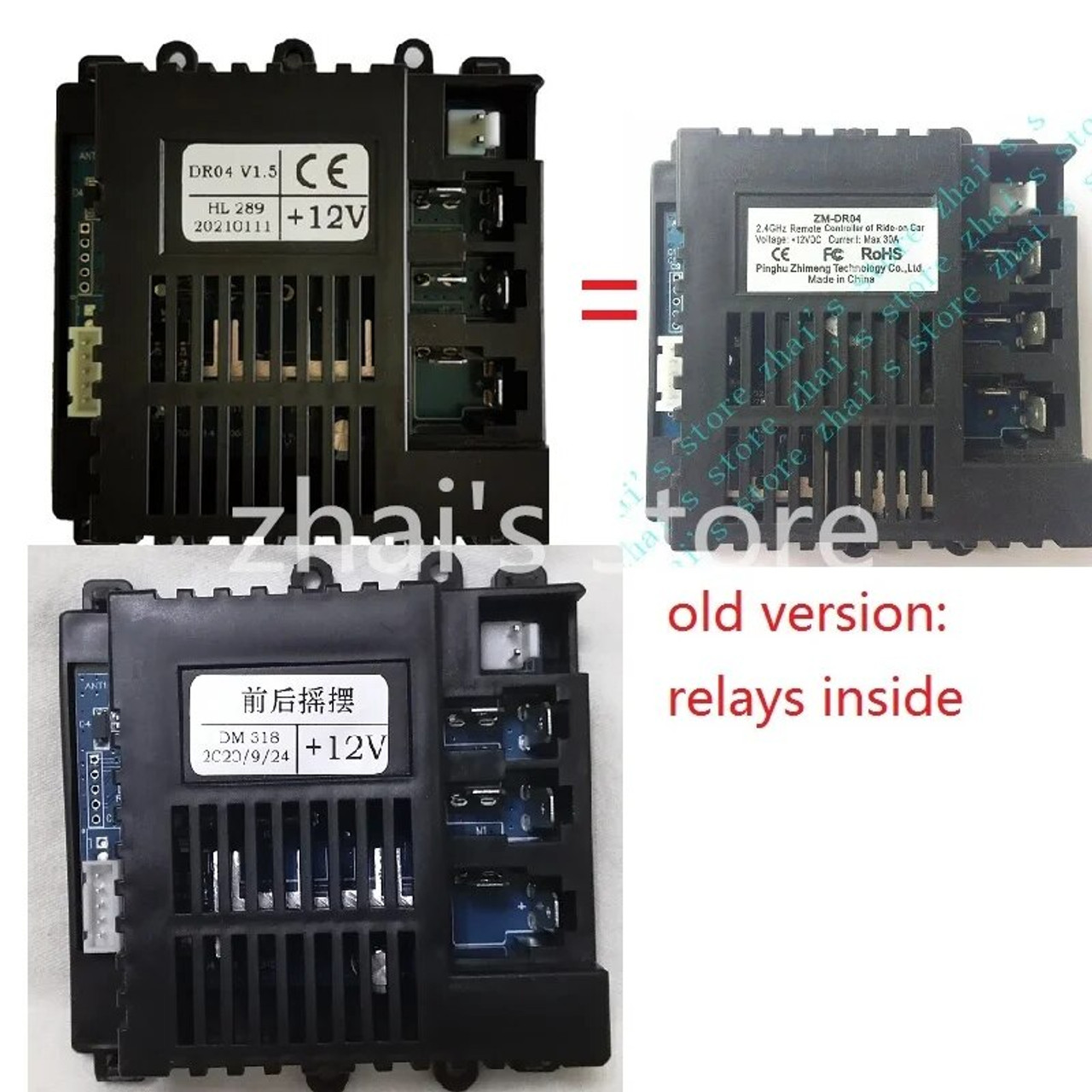
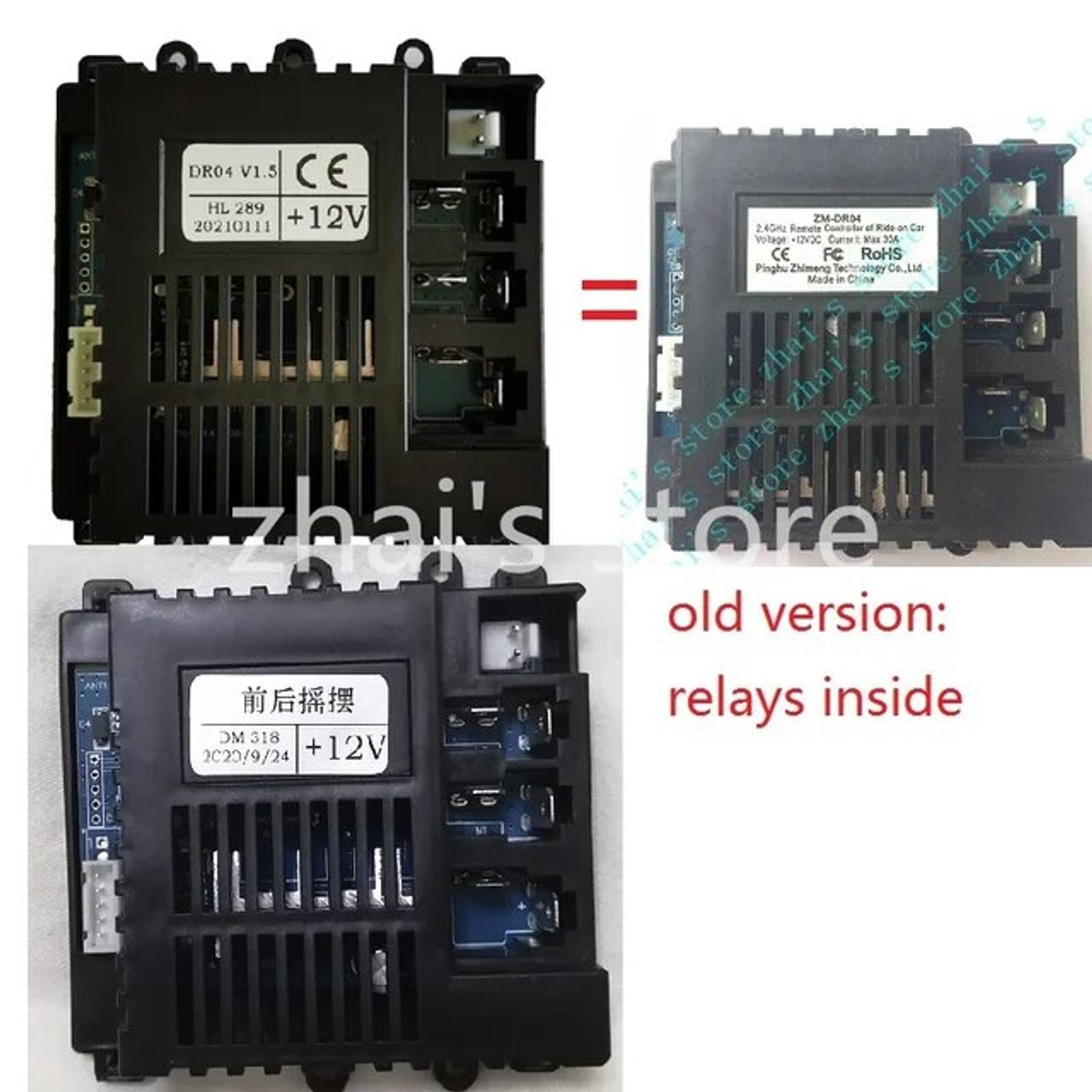
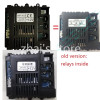
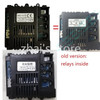
NOTE:ZM-DR04 and DM318 are the same, they are full compatible. The old version controller has relays inside and new version controller has mosfets inside. In normally, i will send the new version controller.
How to connect remote control and receiver?
Remote control pairing instructions
1. Turn on the power of the children's car, press and hold Z key in the middle of the RC, the speed indicator light starts to flash.
2. When the speed indicator light no longer flashes, release Z key, the speed indicator light goes out.
3. If the speed indicator lights up again, the code matching is successful; if it doesn't light up, repeat steps 1 and 2.
4. Once the code is successfully paired, it will no longer be needed for future use.


Related Products
Related Products


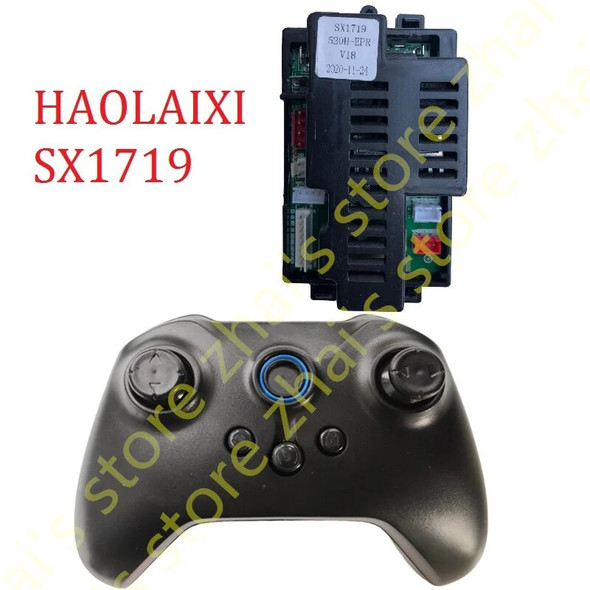
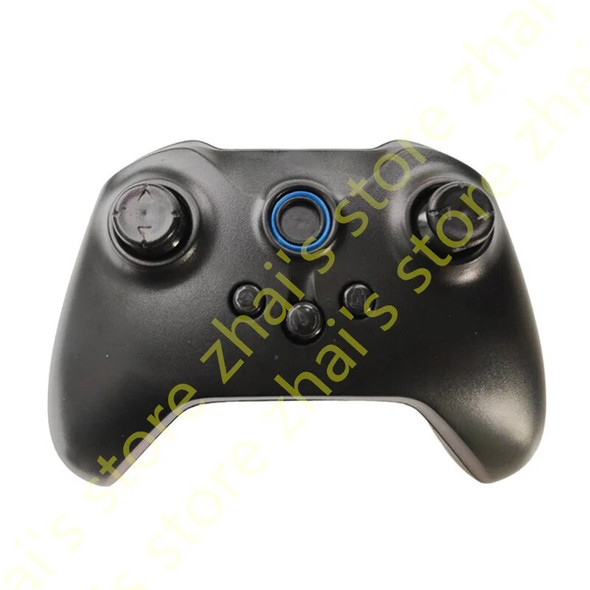
Haolaixi HLX SX1719 Remote Controller for Kid's Toy Car, 2.4G Bluetooth RC Transmitter, Children Electric Car
$29.58 - $46.83
Haolaixi HLX SX1719 Remote Controller for Kid's Toy Car, 2.4G Bluetoot


Haolaixi HLX SX118 Remote Controller for Kid's Toy Car, Bluetooth RC Transmitter, Children Electric Car With Smooth Start
$29.58 - $46.83
Haolaixi HLX SX118 Remote Controller for Kid's Toy Car, Bluetooth RC T
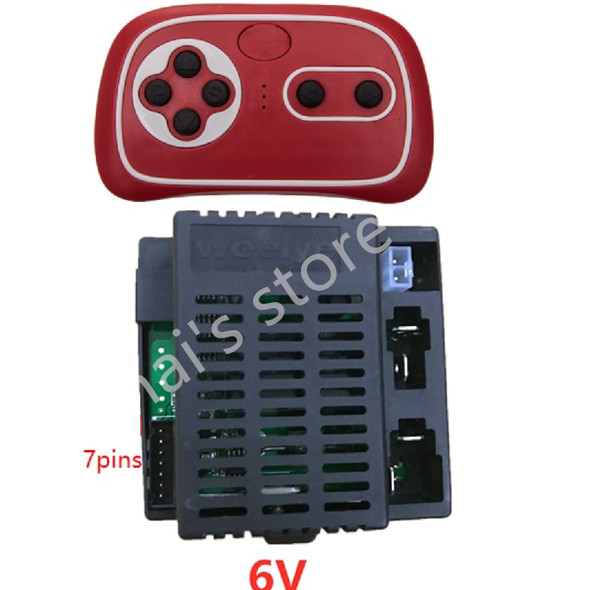
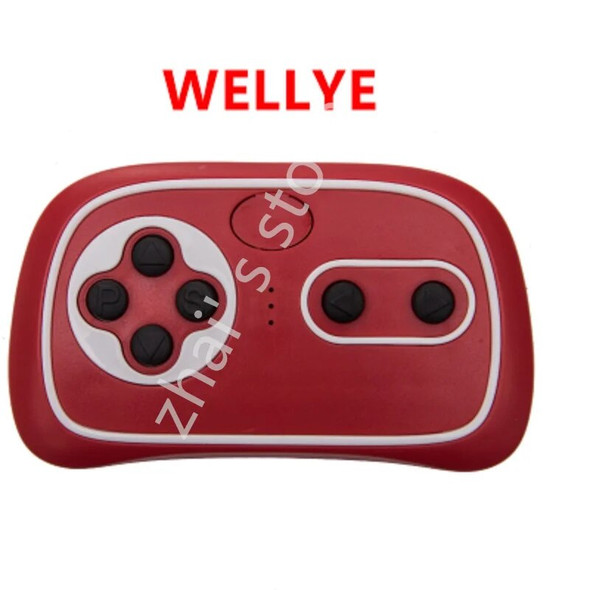
Wellye 2.4G-6V 7pins Children Electrical Car Receiver Baby Controller Electric Vehicle Toy Accessories 2.4G Bluetooth Transmitt
$29.58 - $43.13
Wellye 2.4G-6V 7pins Children Electrical Car Receiver Baby Controller Electric Vehicle Toy Accessories 2.4G Bluetooth Transmitt
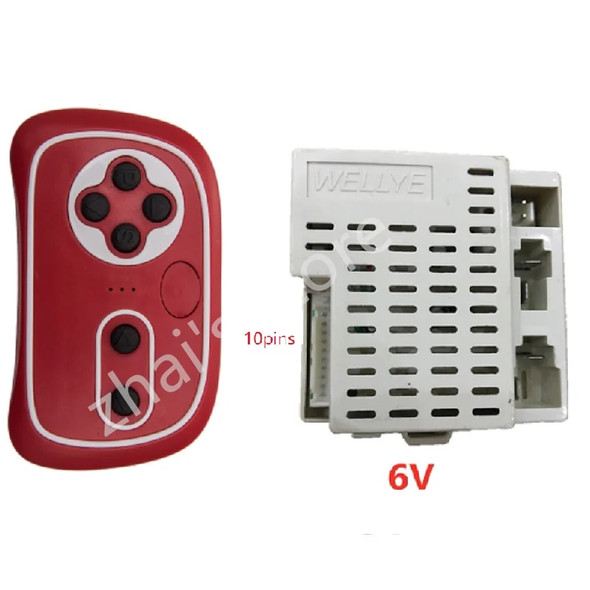
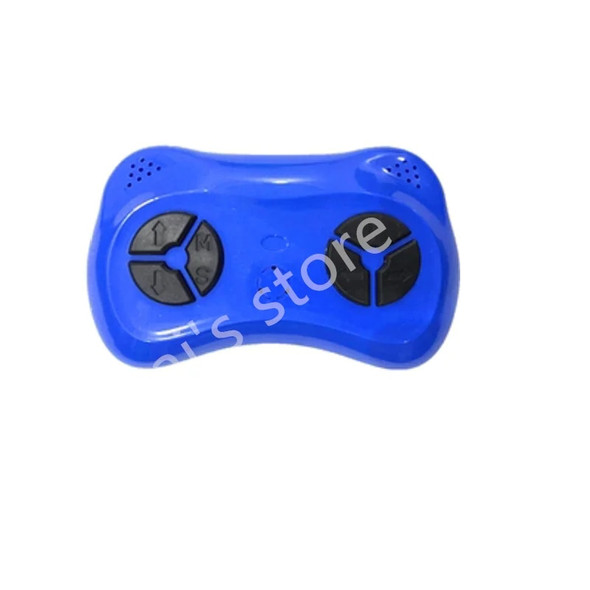
Wellye 2.4G-6V 10pins Children Electrical Car Receiver Baby Controller Electric Vehicle Toy Accessories 2.4G Bluetooth Transmitt
$27.93 - $44.37
Wellye 2.4G-6V 10pins Children Electrical Car Receiver Baby Controller Electric Vehicle Toy Accessories 2.4G Bluetooth Transmitt