Anti-blue Light Screen Protector For Macbook Air 13 Pro 14 16 M1 M2 2021 2023 Laptop 15.6 17.3'' 11 12 Matte PET Anti-Glare Film
(No reviews yet)
Write a Review





Description
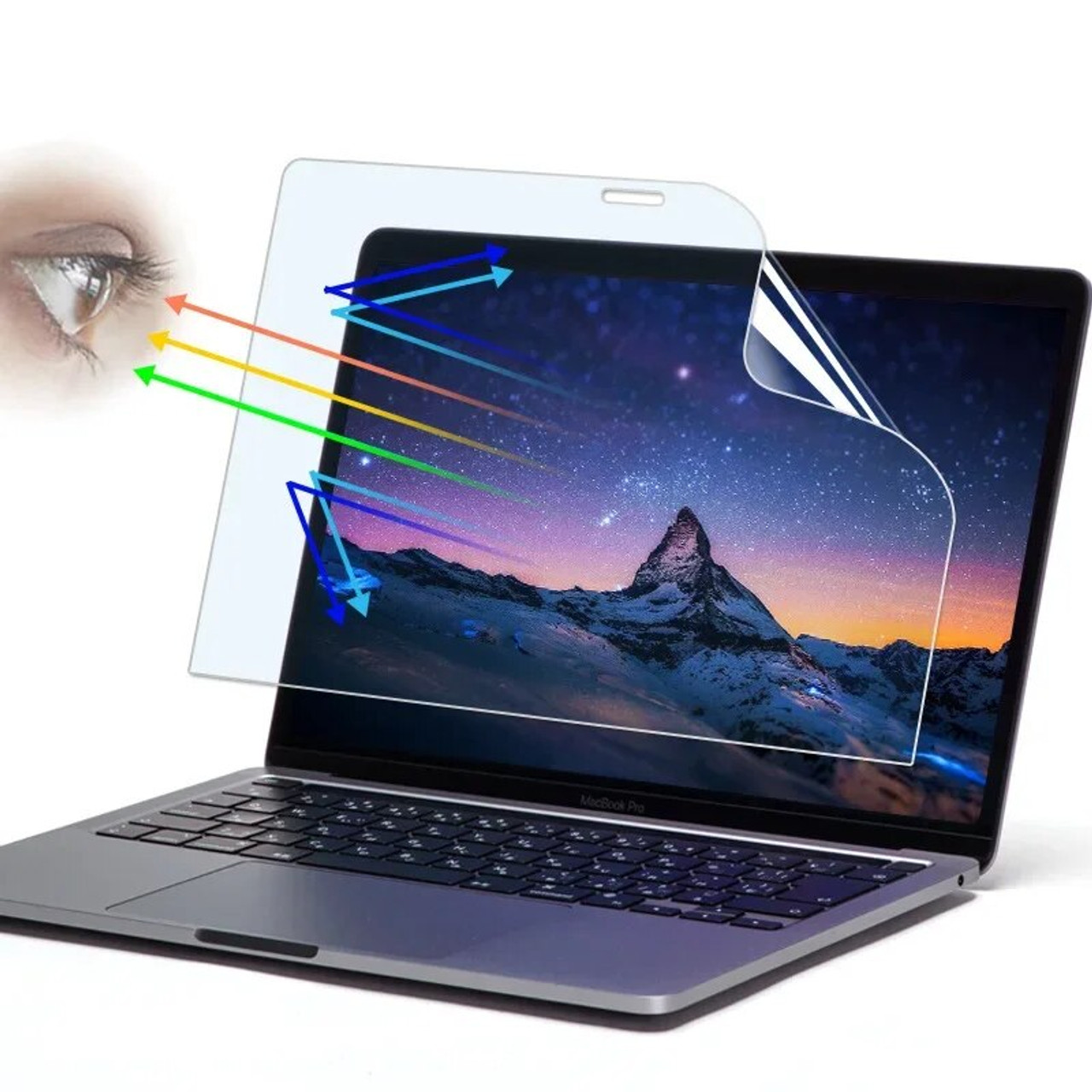
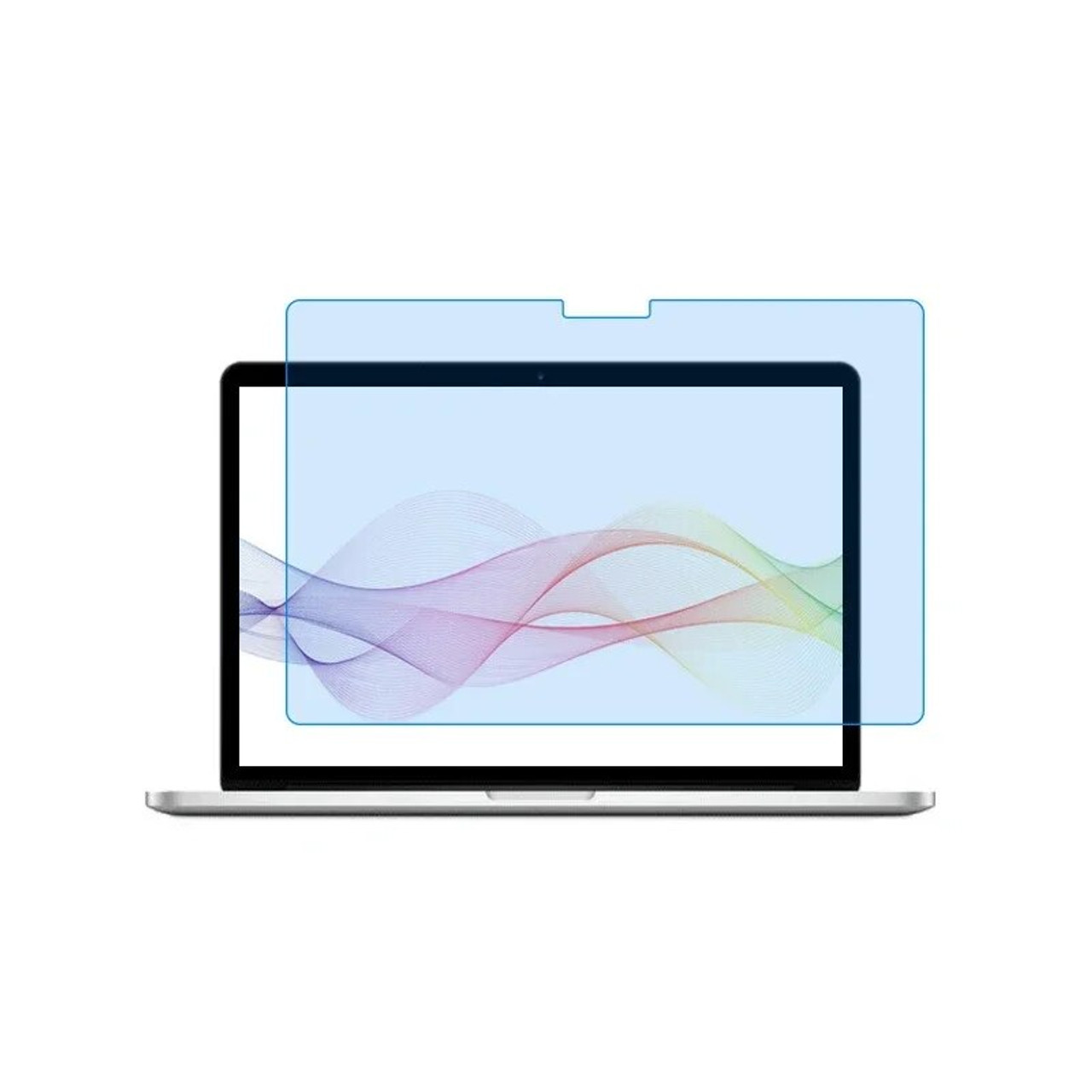
● Product Name : Anti-blue Light Screen Protector ;
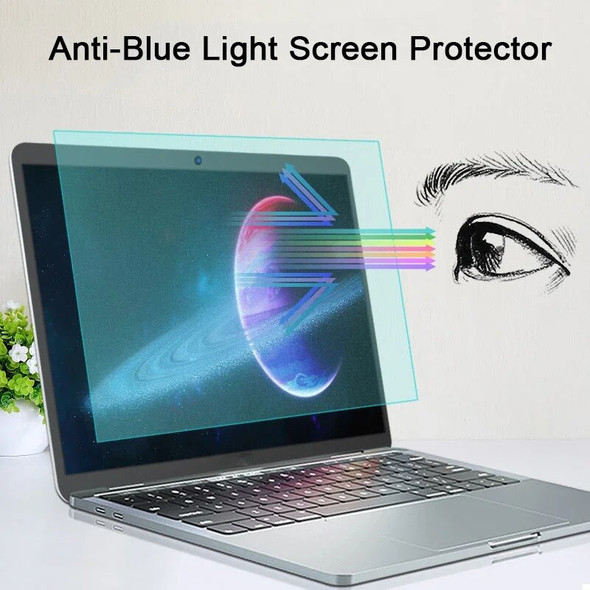
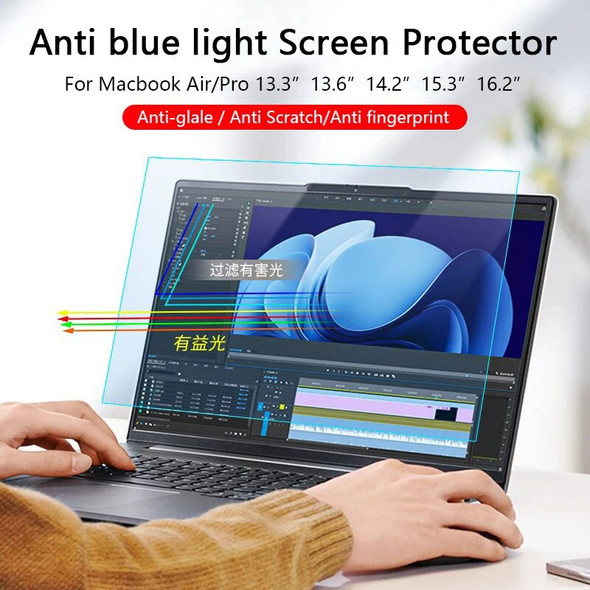
● Function : Filter Blue Light,Eye Protection ;
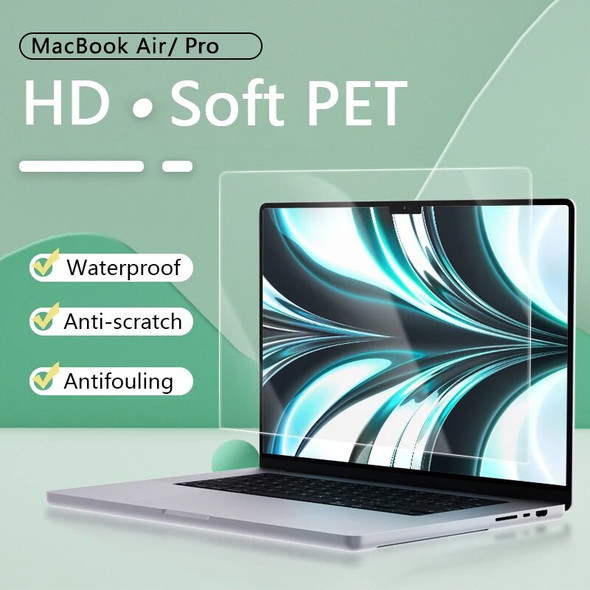
● Material : Soft PET Film ;
● Type : Matte ;
● Features 01 : Waterproof, Fingerprint proof, Scratch proof ;
● Features 02 : Anti-glare, Reduce Screen Glare. See the Video ;

This link Has Two Sizes, One is the Size For Macbook, and the Other is For Universal Size of Other Brands; If Your Laptop is Macbook, Please Take the Macbook Model as the Benchmark.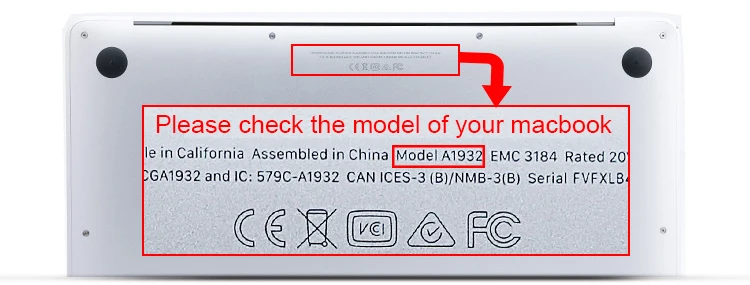
The Table Below Shows the "Other Brands" Common Size Specifications. Measure the Length x Width of the Screen LCD.


Installation tutorial : ( Or watch the video operation )
① Clean the laptop screen from dust or impurities.
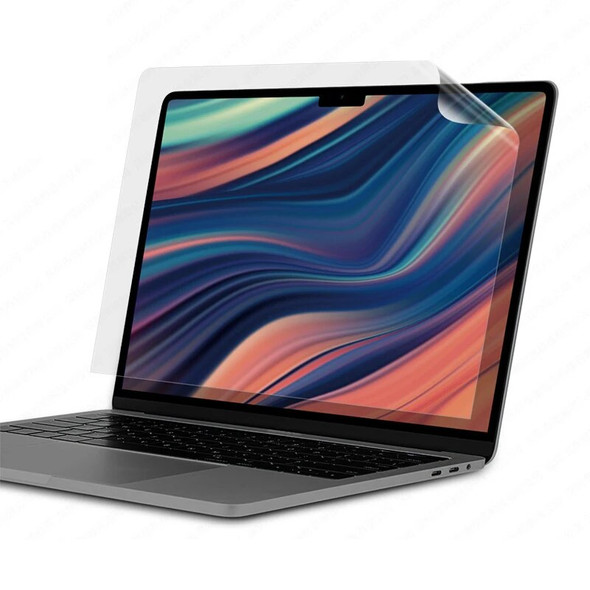
② Tear off the first layer of the film and attach it to the laptop, which will automatically absorb it. If there are bubbles after installation, please don't worry, wait for a while, the bubbles will disappear automatically.
【 If the bubbles don't go away on their own, scrape the bubbles to the edge with a stiff board. 】( The premise is that the screen is free of dust or impurities, so please clean the screen well. ).
③ After completing the ② step, tear off the second layer of film.
● Function : Filter Blue Light,Eye Protection ;
● Material : Soft PET Film ;
● Type : Matte ;
● Features 01 : Waterproof, Fingerprint proof, Scratch proof ;
● Features 02 : Anti-glare, Reduce Screen Glare. See the Video ;
This link Has Two Sizes, One is the Size For Macbook, and the Other is For Universal Size of Other Brands; If Your Laptop is Macbook, Please Take the Macbook Model as the Benchmark.
The Table Below Shows the "Other Brands" Common Size Specifications. Measure the Length x Width of the Screen LCD.
Installation tutorial : ( Or watch the video operation )
① Clean the laptop screen from dust or impurities.
② Tear off the first layer of the film and attach it to the laptop, which will automatically absorb it. If there are bubbles after installation, please don't worry, wait for a while, the bubbles will disappear automatically.
【 If the bubbles don't go away on their own, scrape the bubbles to the edge with a stiff board. 】( The premise is that the screen is free of dust or impurities, so please clean the screen well. ).
③ After completing the ② step, tear off the second layer of film.



Related Products


Anti-blue Light Screen Protector For Macbook Air 15 M2 2023 Pro 14 16 M1 11 12 13 15 Inch Matte PET Anti-Glare Film Guard
$1,681.16
Anti-blue Light Screen Protector For Macbook Air 15 M2 2023 Pro 14 16 M1 11 12 13 15 Inch Matte PET Anti-Glare Film Guard●

Eye Protection Screen Protector For Laptop 14 15.6 17 Macbook Air 13 15 Pro 14 16 2023 Anti-Glare Anti blue light Matte Film PET
$651.41 - $1,125.16
modname=ckeditorNote: This Link Screen Protector For Generic Brands Laptop and Spe

Eye Protection Screen Protector For Macbook Air 13 13.6 15.3 M2 Pro 14 16 2023 Anti-Glare Anti blue light Matte Laptop Film PET
$711.45 - $1,018.24
How to Choose the Correct Size :-Select the Corresponding Model Based on the ( A Number ) at the Bottom of the Laptop.


Anti-scratch Screen Protector For Laptop 14 15.6 17" Macbook Air 13 M1 M2 Pro 16 2023 11 12 15 17.3" Waterproof Notebook Film HD
$1,320.91 - $1,618.65
modname=ckeditor(1)Material : Soft PET ;(2)Type : HD ;