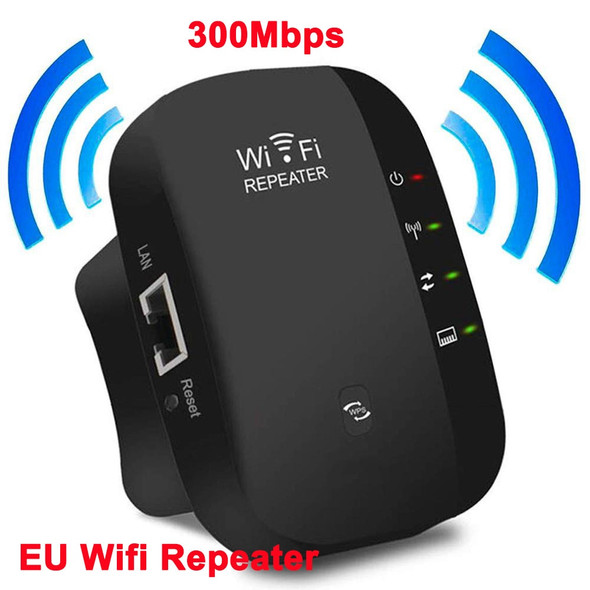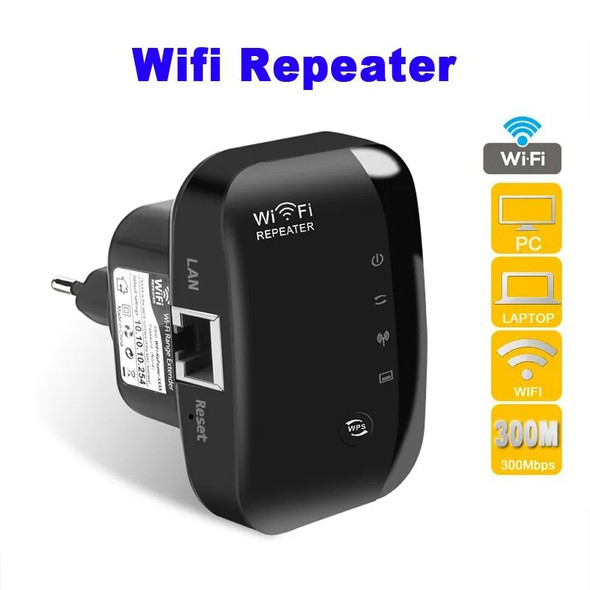
300Mbps WiFi Repeater 2.4Ghz Router Wireless Booster Long Range Amplifier Network Extender For Home/Office EU/US Plug Easy Set


Description
• High Wi-Fi Transmission Rate of 300 Mbps :Enjoy lightning-fast internet speeds with a transmission rate of 300 Mbps.
• Long Range Amplifier :Boost your Wi-Fi signal and extend its range with the long-range amplifier.
• Easy Setup :Set up the repeater in minutes with its easy-to-use interface.
• CE Certification :Rest assured that the product meets European safety standards with its CE certification.
Wireless WIFI Repeater Wi Fi Booster Amplifier Network Expander Router Power Antenna for Router Wi-Fi Wi Fi Long Range Extender
Specification WiFi repeater - 300M, 2 antenna, 2.4G only
Product Type:WIFI Repeater, 300M
Color: White
Plug Type:EU plug or US plug
Voltage: AC 110-240V
Wireless Security: 64-bit WEPWPA /WPA2, WPA-PSK /WPA2-PSK(TKIP /AES)
WPS buttom: Yes
Atenna Type: 2 pieces 2dBi antenna
Networks: wireless 2.4G only; 1 x 100M LAN port
WiFi standard: IEEE 802.11n/G/B
2.4GHz
11n: Up to 300Mbps(dynamic)
11g: Up to 54Mbps(dynamic)
11b: Up to 11Mbps(dynamic)
Warm Tips:
1.In order to protect the life of the repeater, reduce the loss of product use. Please do not use the repeater for a long time(more than 24 hours ). When you do not need to use it, please take it out from the power supply.
2.There Has Two Type( EU / US ) in the link.Please choose What you need.Thank you!
Q&A
Q1. Why I Cant see WiFi Repeater on smart phone or Computer ?
A1. Please check whether the second light on the repeater is flicking/blinking/flashing under powered. If no, please long press the reset button for 10 seconds to reset the repeater first.
Q2. Why I Cant enter setting page 192.168.10.1 ?
A2. Please change another browser and try again , such as Google Chrome / Firfox. If you set up on computer, please check the IP address on your computer, detail see instruction page 10.
Q3. Why I Cant connect to internet after finished setting ?
A3. Please check whether you enter the same password as your router, and check is there any special characters in it, such as ~!@#$%^&*(). If yes, please change your router password. Repeater can not identify special characters.
Q4. How can I firgure out when the repeater Intermittent automatic disconnection ?
A4. Please check whether the repeater is working on the same outlet with other differenet device, It is better the repeater working on the outlet individually.
Q5. What can I do when the repeater can not work wirelessly ?
A5. Please check whether the wireless indicator( second indicator light ) flicking/flashing/blinking under powered. If no, please reset the repeater.
Q6. How to reset the repeater ?
A6. Long press the reset button for 10 seconds under powered.
Related Products
Related Products

100pcs 300Mbps Wireless WiFi Repeater 2.4Ghz AP Router 802.11N Wi-fi Signal Amplifier Range Extender Booster With US EU Plug


NEWEST Wps Router 300Mbps Wireless WiFi Repeater WiFi Router WIFI Signal Boosters Network Amplifier Repeater Extender WIFI Ap